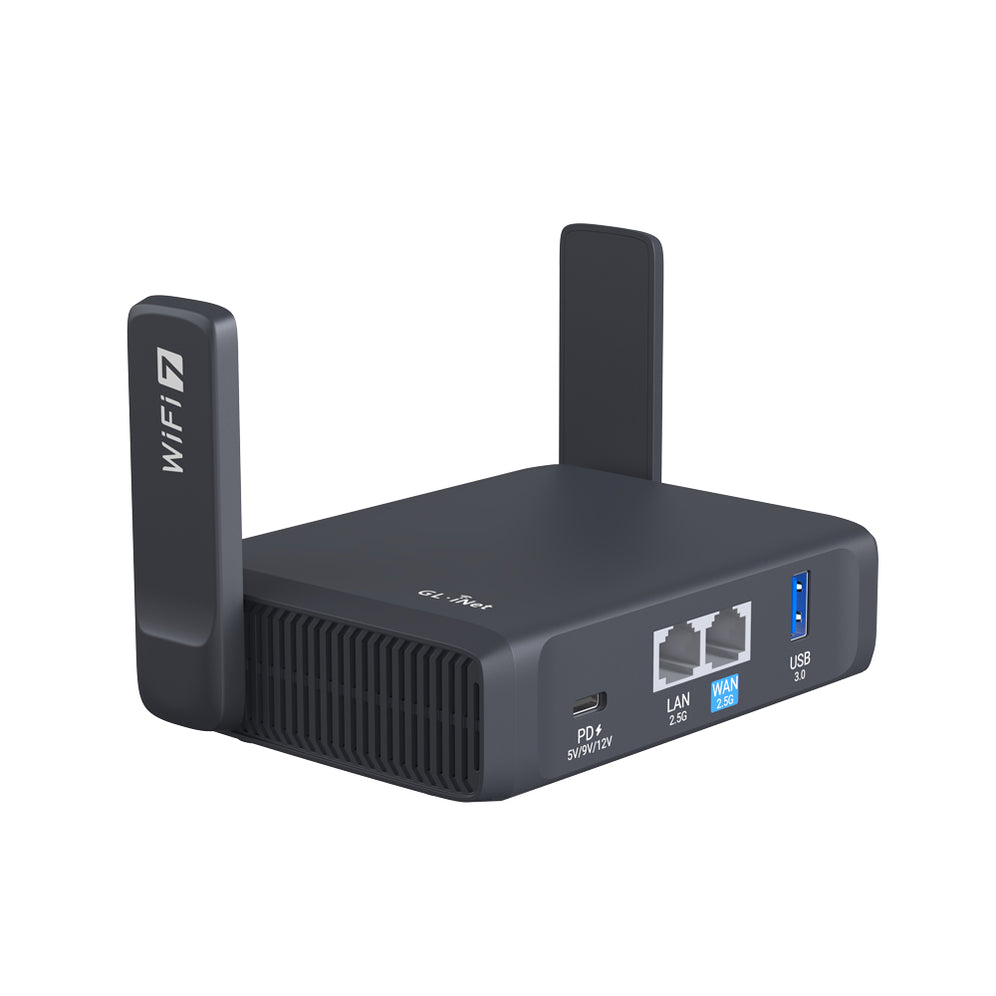
A virtual private network, or VPN, is an encrypted connection over the Internet from a device to a network. The encrypted connection helps ensure that sensitive data is safely transmitted.
Everyone should get a secure and private access to the Internet.
GL.iNet routers support the following 30+ popular commercial OpenVPN and WireGuard VPN services. You can simply drag and drop your vpn files to activate the VPN function once you acquire the subscription of any of the
below VPN service providers.


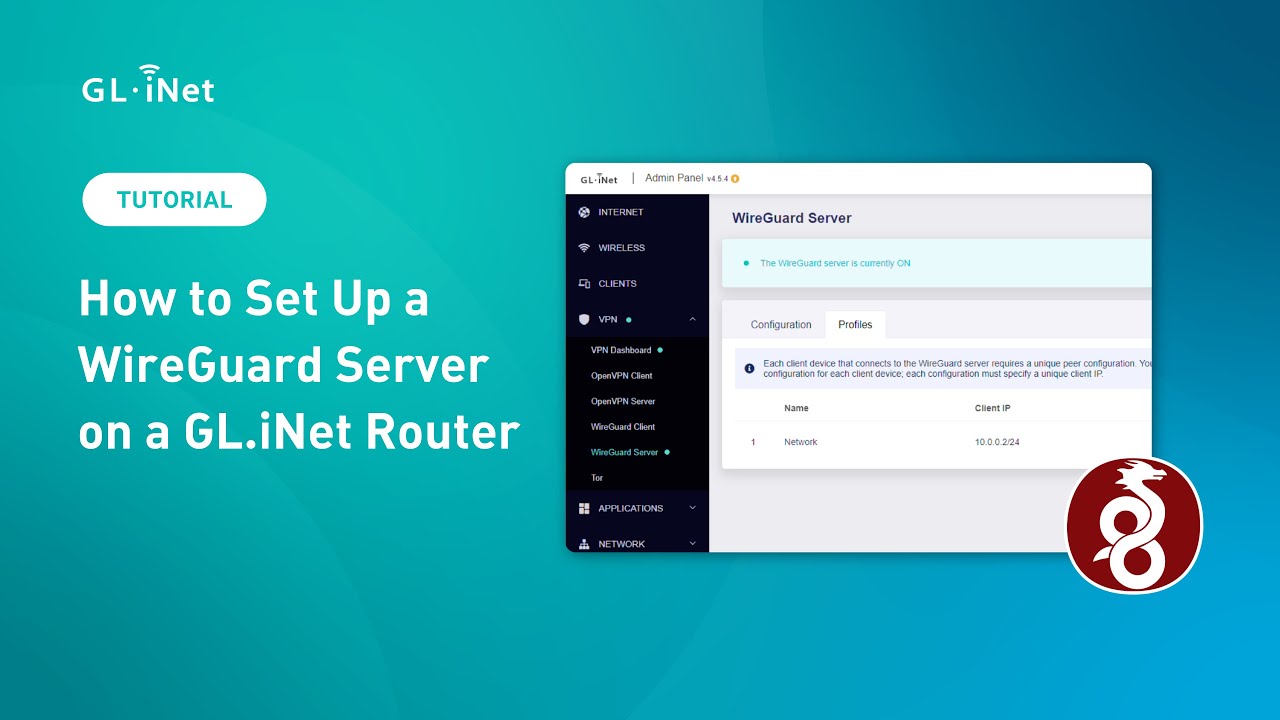
How to Set Up a WireGuard Server on a GL.iNet Router
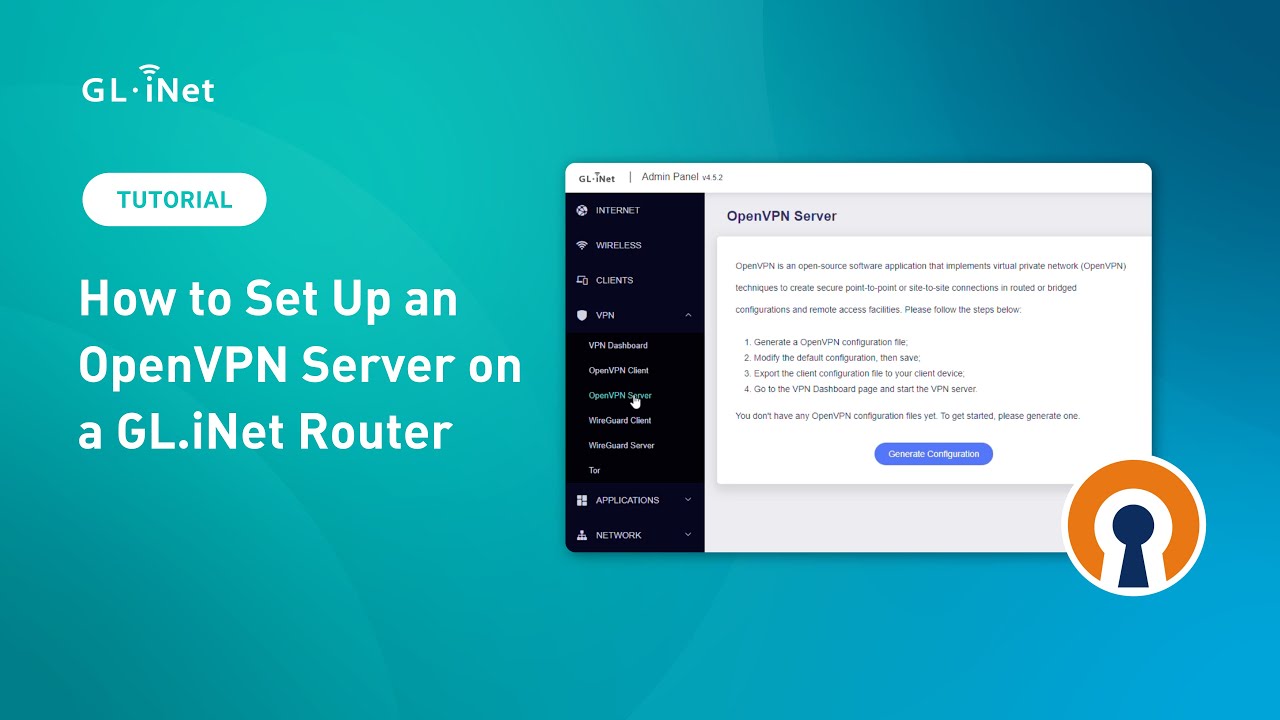
How to Set Up an OpenVPN Server on a GL.iNet Router
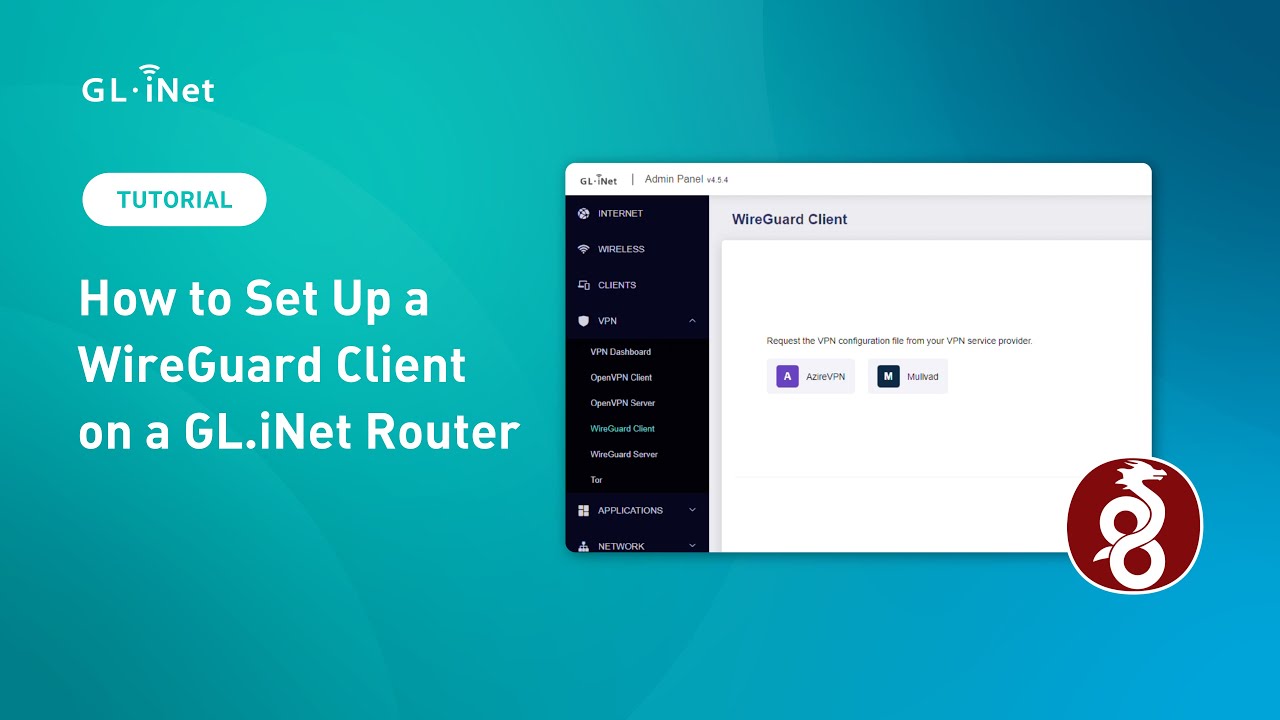
How to Set Up a WireGuard Client on a GL.iNet Router
How to Set Up an OpenVPN Client on a GL.iNet Router
How to Set Up VPN Server (Flint 3) + VPN Client (Slate 7) in Minutes?
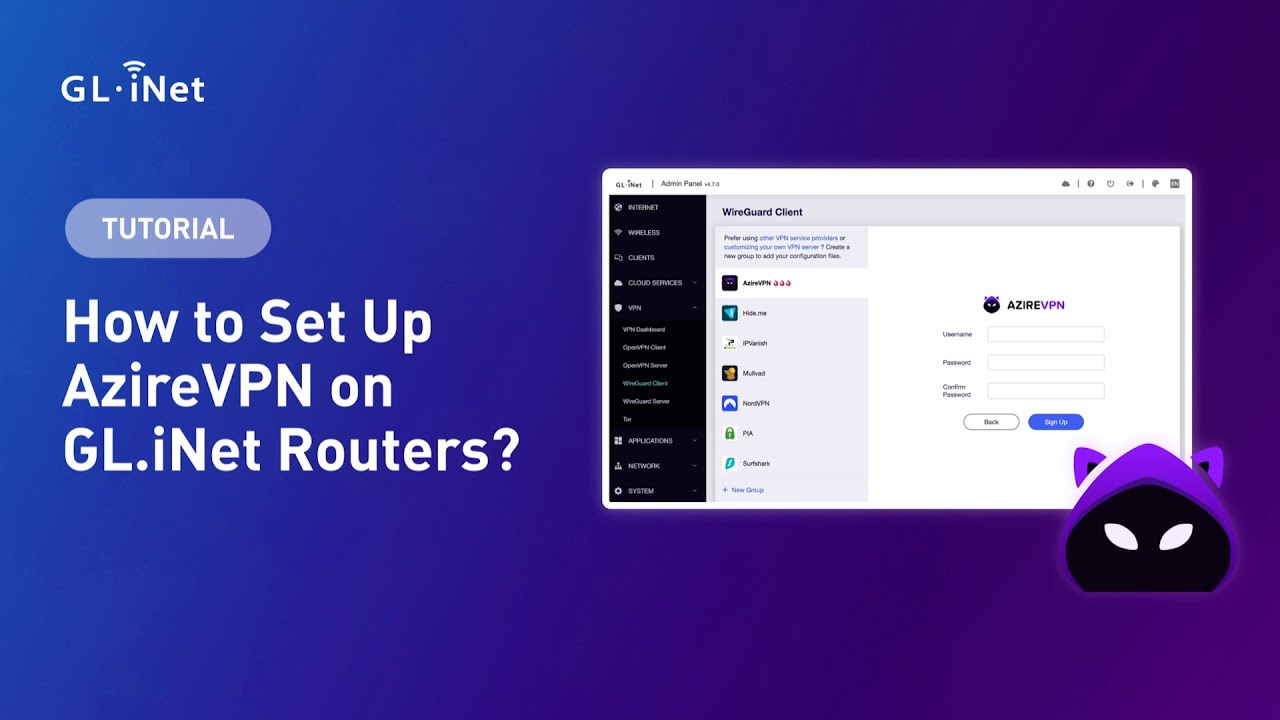
How to Set Up AzireVPN on GL.iNet Routers | Step-by-Step Tutorial
How to Host a VPN Server using Brume 2
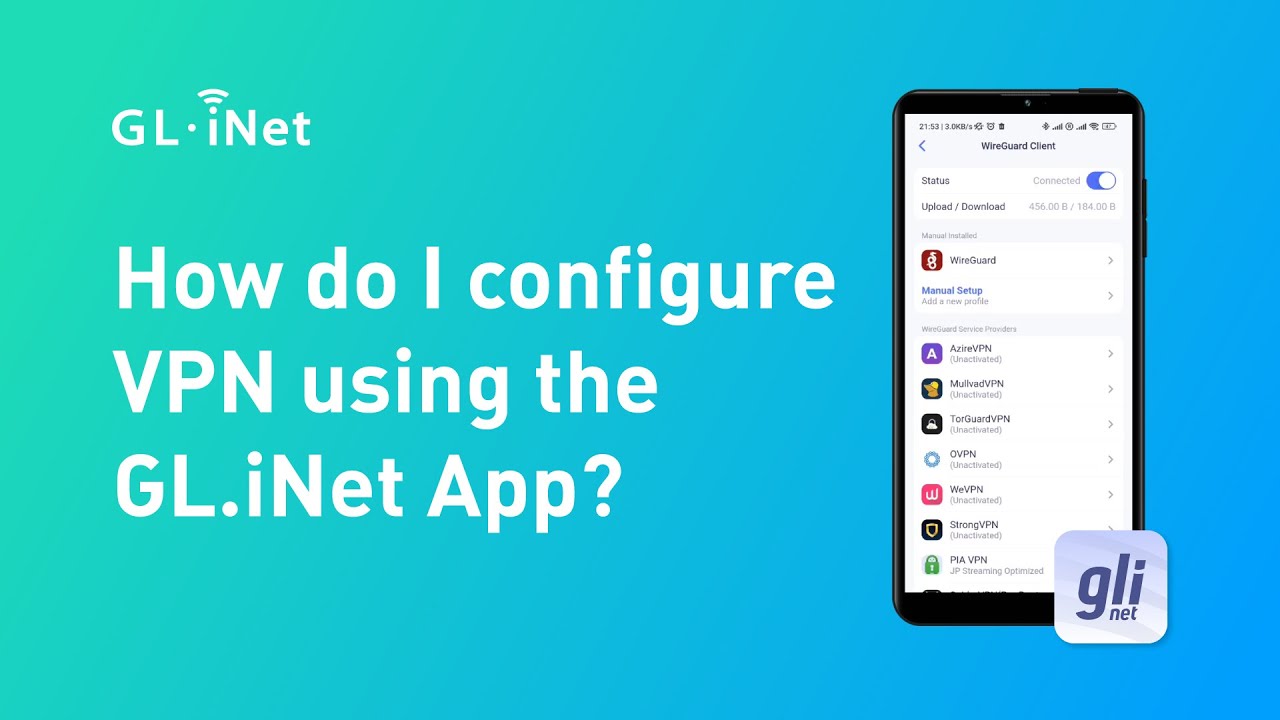
How do I configure VPN using the GL iNet App
4 Common Problems and Solutions When Configuring OpenVPN
The VPN service can apply to a wide selection of devices via our router, not just laptops, phones and tablets, but also gaming consoles, TVs, and streaming devices. Your data will be protected when use VPN to secure data transmission over wireless or wired connections. You can even customize your VPN policies to gain flexible protection on certain vital devices.

Accessing to some sites may be confined by one’s location. For example, visiting a British soap operas streaming site, you may be able to enjoy those episodes only if you were situated in any part of Britain. With the VPN service enabled, you can unblock any site(s) where necessary. Connecting to our server, you will be assigned a new IP for surfing the internet or visiting sites which are supposed to have perished within your sight.

Nowadays, we can work on co-working spaces or cafes by accessing the free wireless network. However, many cybersecurity experts confirm that public Wi-Fi is dangerous, because cyber crimes can attack users wirelessly. Enable the VPN service on our travel routers wherever you go, you can work in a secure network.

Small retail business owners need to deal with credential info for customers to ensure payment safety when they are doing business onsite. POS machine can upload credit card info with VPN channel via router with VPN service enabled.

OpenVPN is a widely used open-source VPN (Virtual Private Network) protocol. It provides secure point-to-point or site-to-site connections by using custom security protocols based on SSL/TLS. It can:
WireGuard is a lightweight VPN protocol designed to be simpler, faster, and more efficient than traditional VPN protocols like OpenVPN. It is:

VPN routers can be used as a normal router, with the difference that the VPN Client software is installed on it. This allows every device connected to the router is therefore protected by the VPN. This allows you to protect multiple devices at once (not just a single device using a VPN). It works perfectly for families or for business for that extra layer of security.
GL.iNet produces industry leading routers and networking devices, allowing the our customers to connect to the internet securely and privately. With this in mind, we taken steps to ensure our routers support 30+ popular commercial OpenVPN and WireGuard VPN services. Allows customers the freedom to choose the VPN service they want. Our routers interface and setup is easy, ideal for business, travel or home use. You can simply drag and drop your vpn files to activate the VPN function once you acquire the subscription to a VPN service of your choice.

{"one"=>"Select 2 or 3 items to compare", "other"=>"{{ count }} of 3 items selected"}