

1. VPN
1.1. Simultaneous Multi-VPN: Define Your Rules
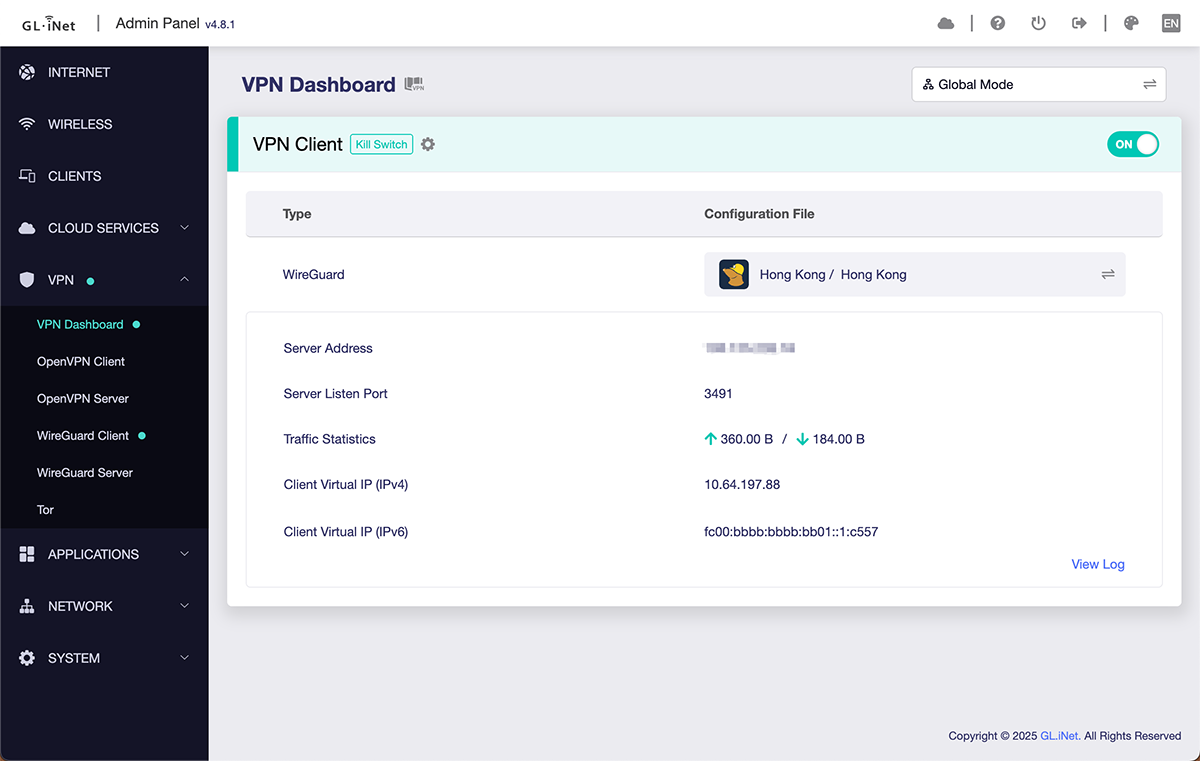
In firmware version 4.8 update, we reconstructed the VPN to support running multiple instances at the same time. You can now build multiple tunnels, allowing you to connect to multiple VPN clients simultaneously and customize VPN setups. You can define your own rules to meet the needs of remote working, bypassing geo-restrictions and other scenarios.
Initializing multiple VPN tunnels is only possible in Policy Mode. If you would like to encrypt all traffic through one VPN tunnel, switch to Global Mode.
1.1.1. Global Mode
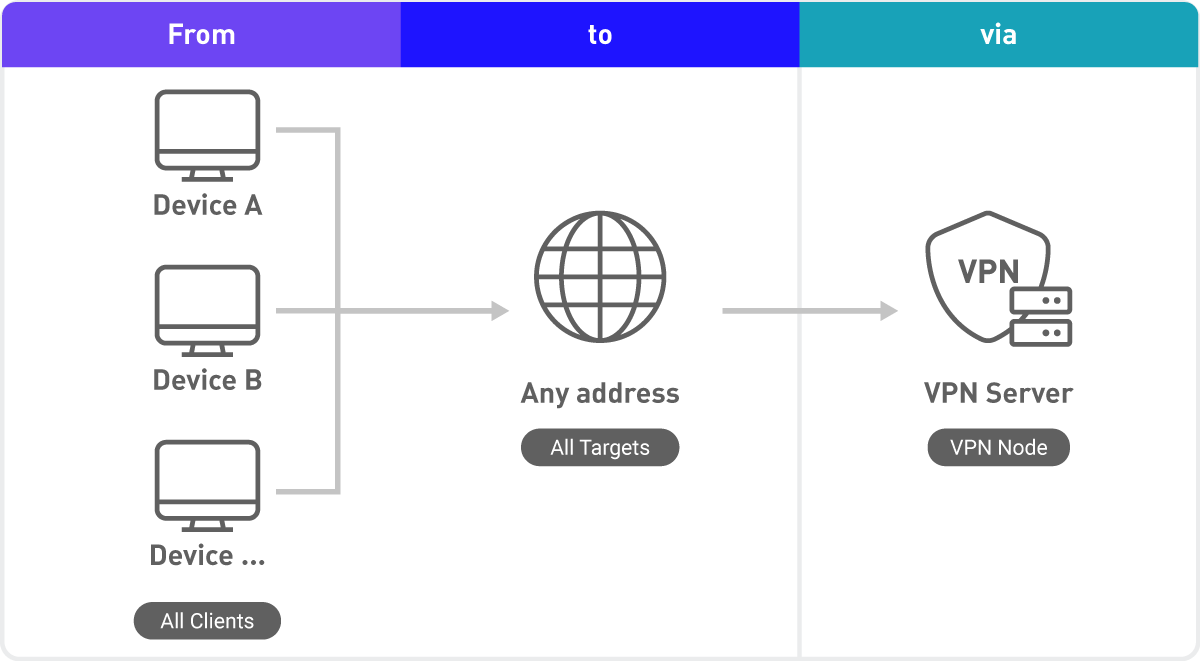
Secnario 1: General Use
- Connect all devices via VPN (ideal for anonymous browsing, secure access, or geo-restriction bypass).
Setup
- Source: All clients
- Destination: All targets
- Tunnel: Select a common and stable VPN tunnel
1.1.2. Policy Mode
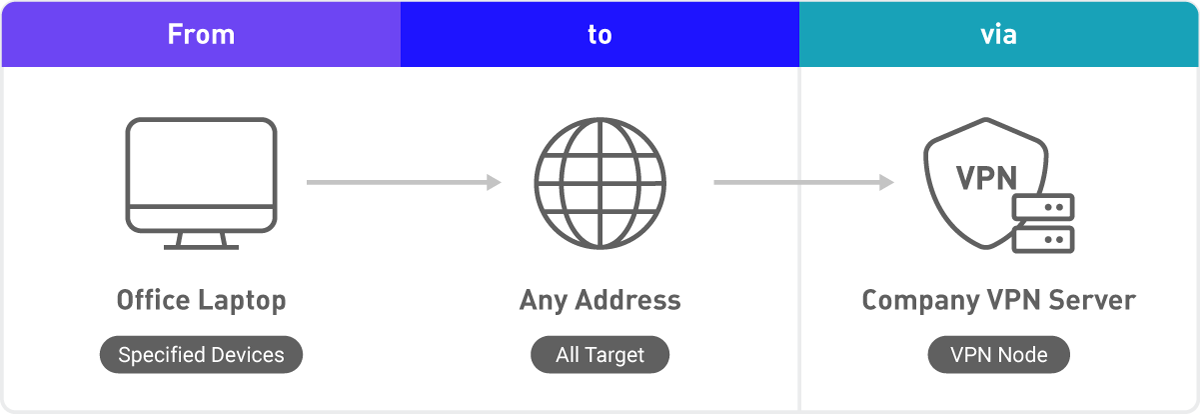
Scenario 2: Secure Remote Work
- Connect your office laptop to company VPN for secure remote work from anywhere.
Setup
- Source: Select a specific device (e.g., laptop, mobile phone).
- Destination: Select all target or enter a specific domain/IP address.
- Tunnel: Specify a company VPN node.
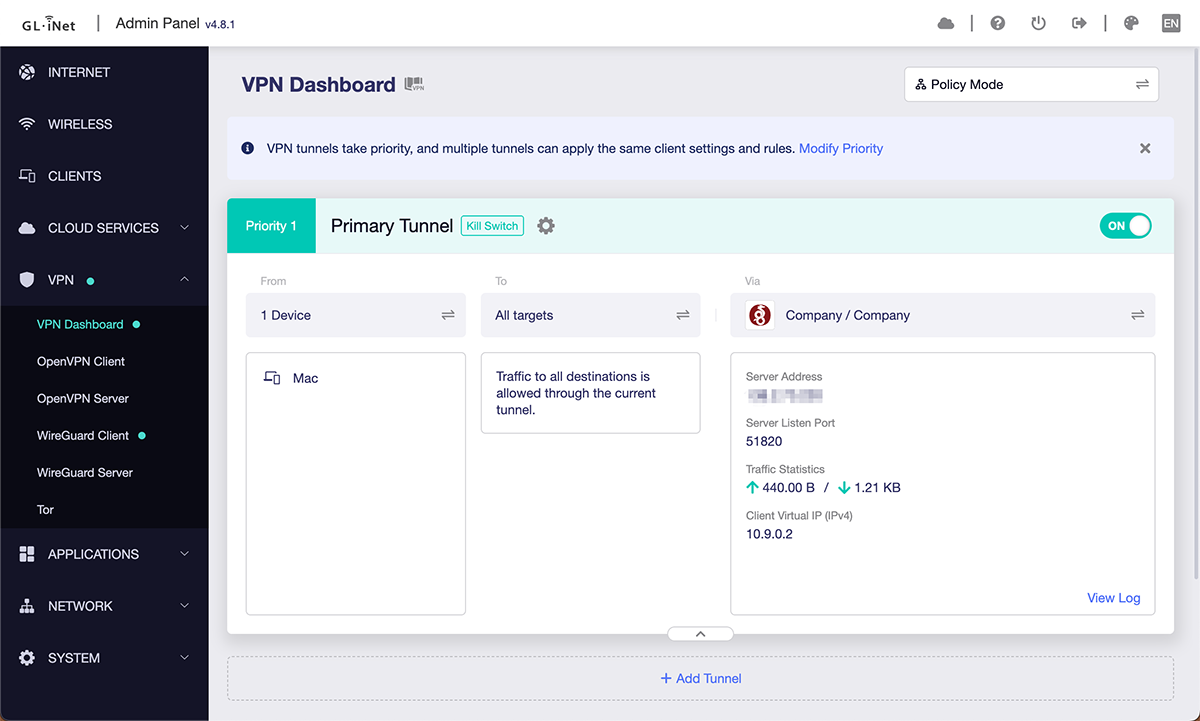
Scenario 3: Custom Simultaneous Multi-VPN Policy (Advanced Users)
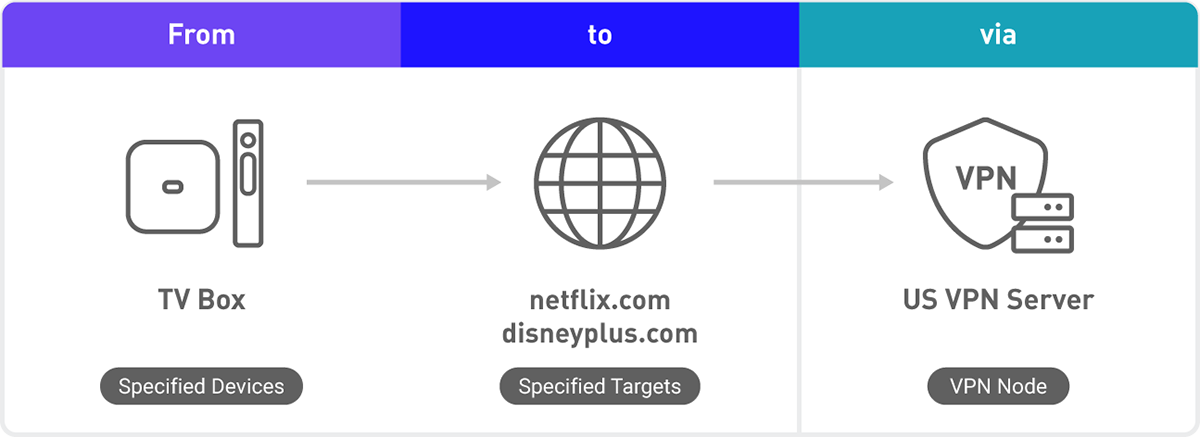
- Streaming VPN tunnel: TV box automatically identifies content from Netflix, Disney+, etc., redirects traffic through a VPN to bypass geo-restrictions.
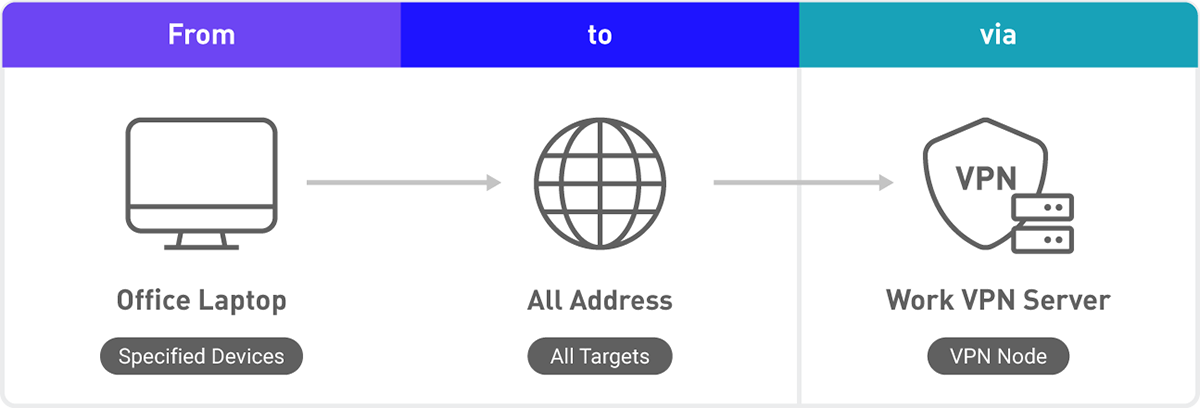
- Remote work VPN tunnel: Office laptop traffic passes through company VPN.
- All other devices' traffic bypass VPN to maintain maximum speed.
Setup
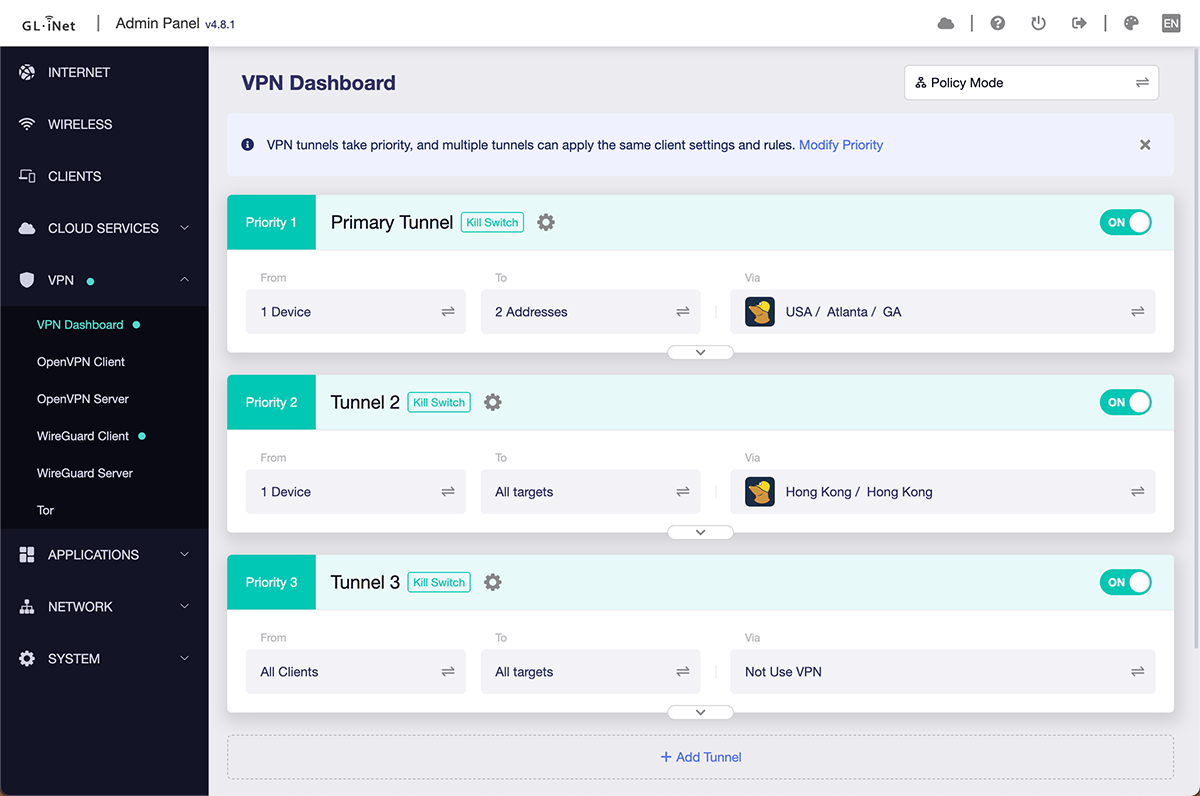
Primary Tunnel
- Source: Specify TV box or other devices.
- Destination: Add domain names, such as *.netflix.com and *.disneyplus.com.
- Tunnel: Specify VPN nodes in the US or other desired regions.
Tunnel 2
- Source: Specify office laptop or other devices.
- Destination: Select all target or enter a specific domain/IP address.
- Tunnel: Specify a company VPN node.
Tunnel 3
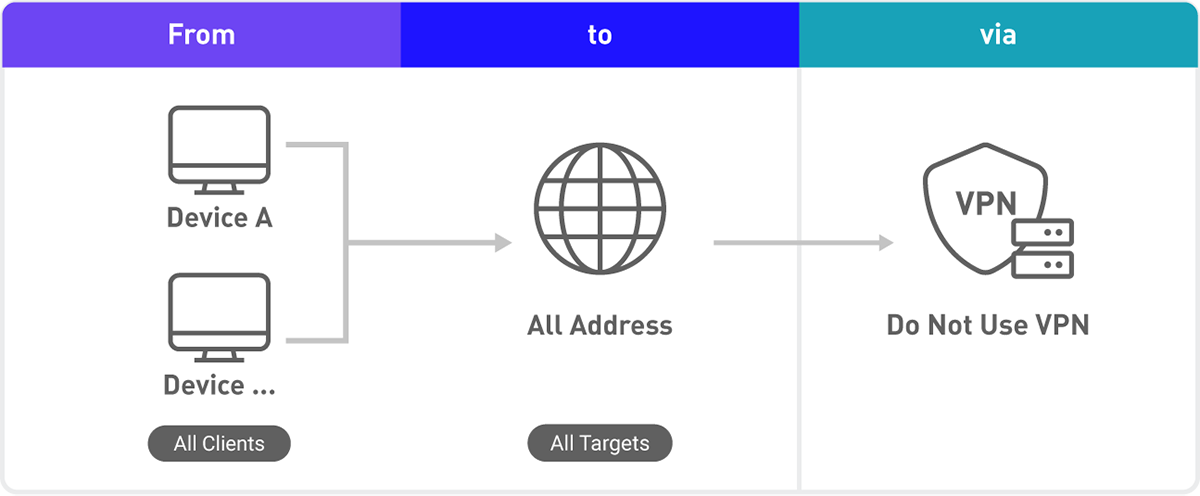
- Source: Specify other devices.
- Destination: All targets.
- Tunnel: Do not select VPN nodes.
1.2. OpenVPN Just Got Faster
We added OpenVPN's DCO and upgraded OpenVPN to version 2.6. After adding DCO, we saw significant improvement in OpenVPN's performance, clocking speeds comparable to, or even surpassing Wireguard.
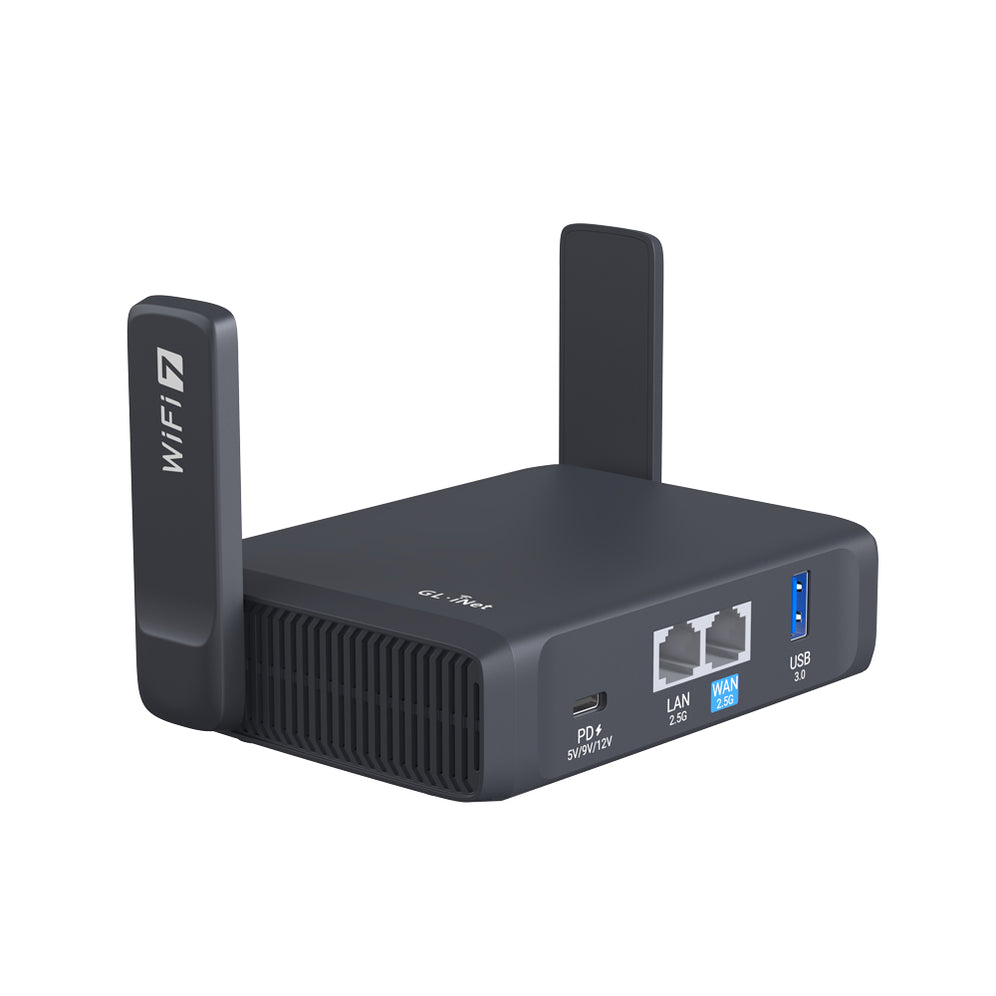
These models support DCO (as of Aug 2025):
*Note: DCO requires server-side support, please check with your VPN service provider if they support DCO.1.3. Setup VPN In Seconds
A VPN setup wizard pops up to guide first-time users, setting up a VPN has never been easier! The setup wizard will only appear once, when the router boots for its first time.