Skip to content

SIMPoYo eSIM Physical Card | Data Only

$19.90
Original price $19.90 - Original price $19.90
Original price
$19.90 - $19.90
Current price $19.90
  • Hassle-Free 2 Year Warranty

  • Free shipping to select countries

  • 30 Day Moneyback

Choose an Option:
Before You Buy:

The cellular feature is restricted in Russia, Belarus, Cuba, Iran, North Korea, Syria, and the Crimean Peninsula due to modem limitations.

Bulk Orders:

For bulk orders of 30 units or less, please refer to our Partner Program for wholesale pricing and details. For larger orders of more than 30 units, kindly contact our customer service team at cs@gl-inet.com.
What is SIMPoYo eSIM 
Physical Card
?

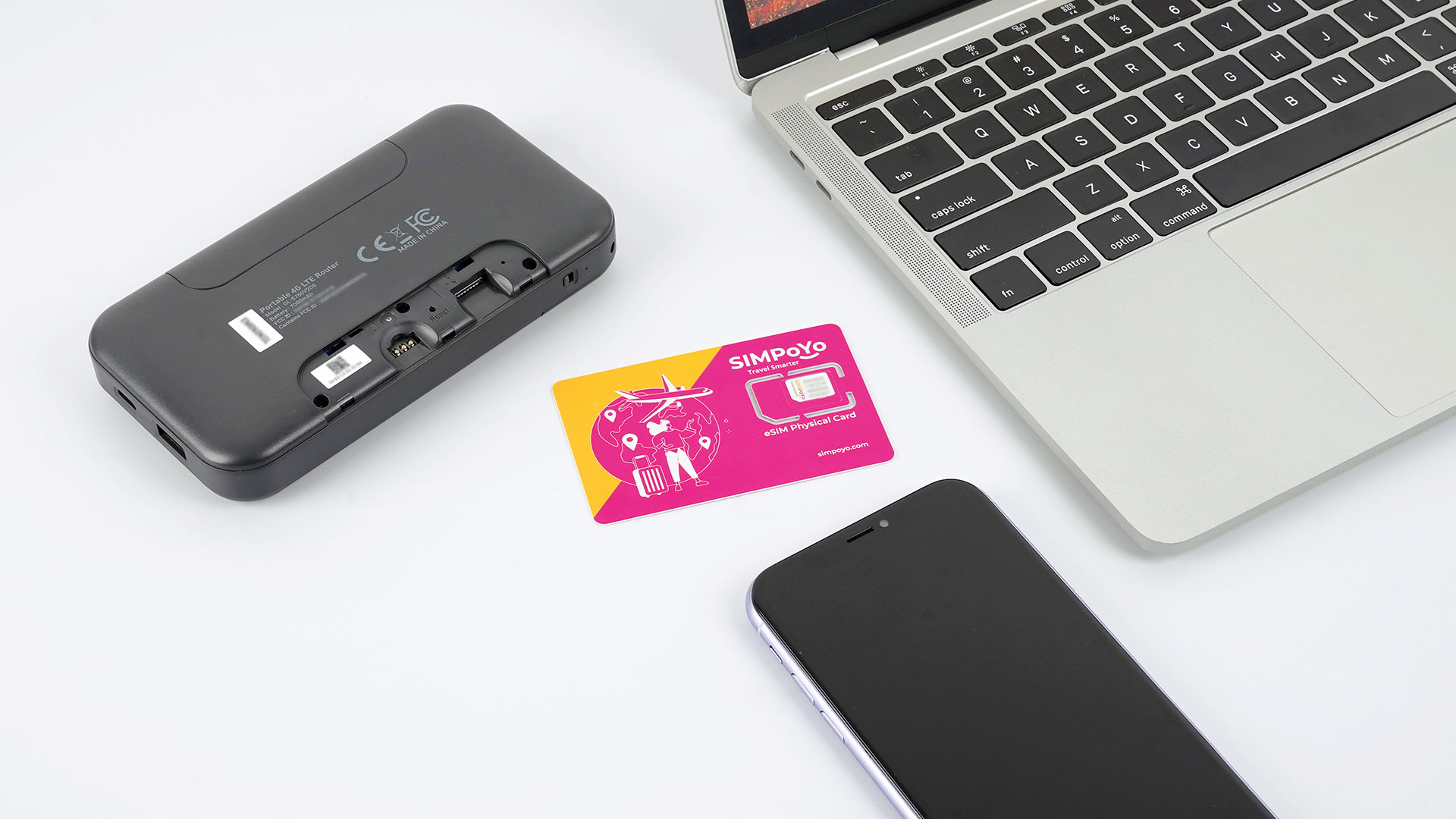
SIMPoYo eSIM Physical Card may look like a regular SIM card, but it’s packed with advanced eSIM functionality. Easily switch between up to 8 eSIM profiles without ever swapping cards. Preloaded with 1GB U.S./EU + 100MB Global data, it's ideal for frequent travelers, developers, and privacy-conscious users.

SIMPoYo eSIM

Explore More Features with the SIMPoYo eSIM Physical Card

4G/5G Compatible

No activation required - ready to use instantly

Connect to fast, stable 4G/5G networks worldwide

Multi-Profile Support

Store and manage up to 8 eSIM profiles in one card

Add, delete, or switch profiles with ease

Device Compatibility

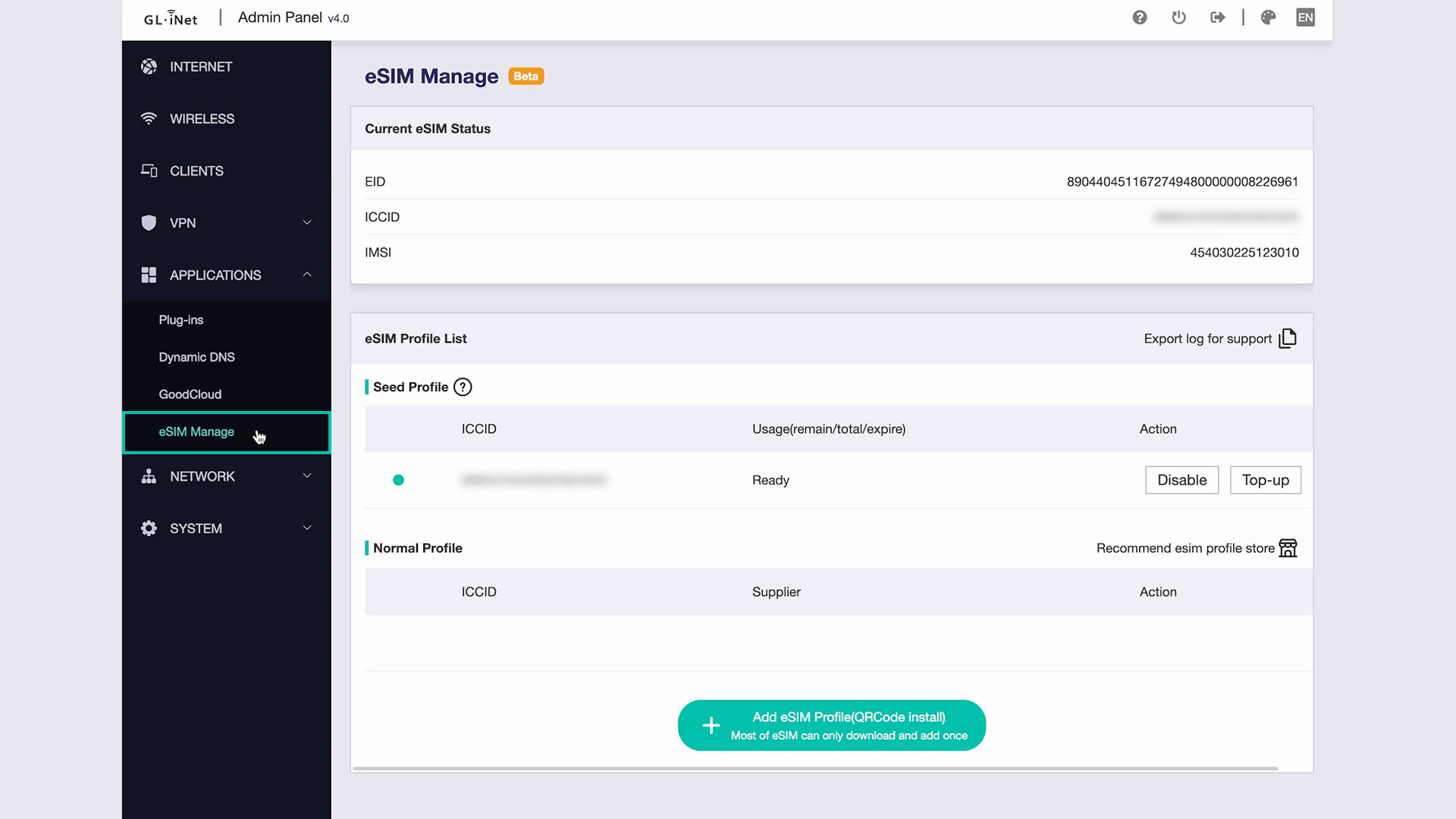
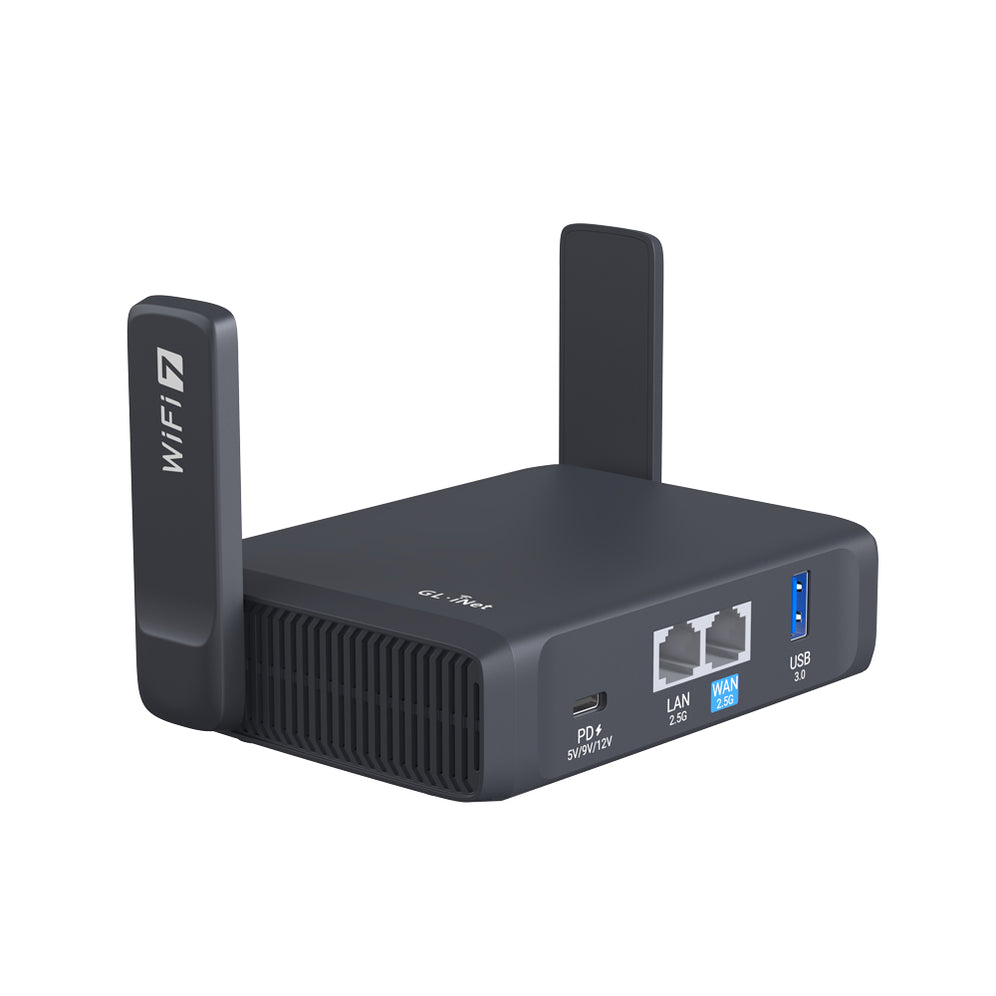
GL.iNet routers: Easily manage eSIM profiles through the GL.iNet Admin Panel

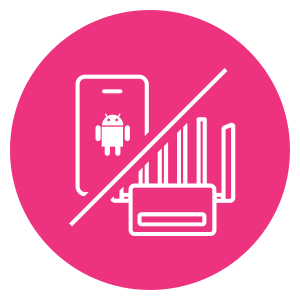
Android phones: Unlock eSIM functionality on supported devices using our partner-developed app

Developer-Friendly

Unlimited profile rewrites - no write restrictions or locks

Fully open for integration, testing, and customization

Flexible Recharge

Top up with Global plans

Compatible with third-party eSIM profiles

Privacy-Focused

No personal information

No SIM registration

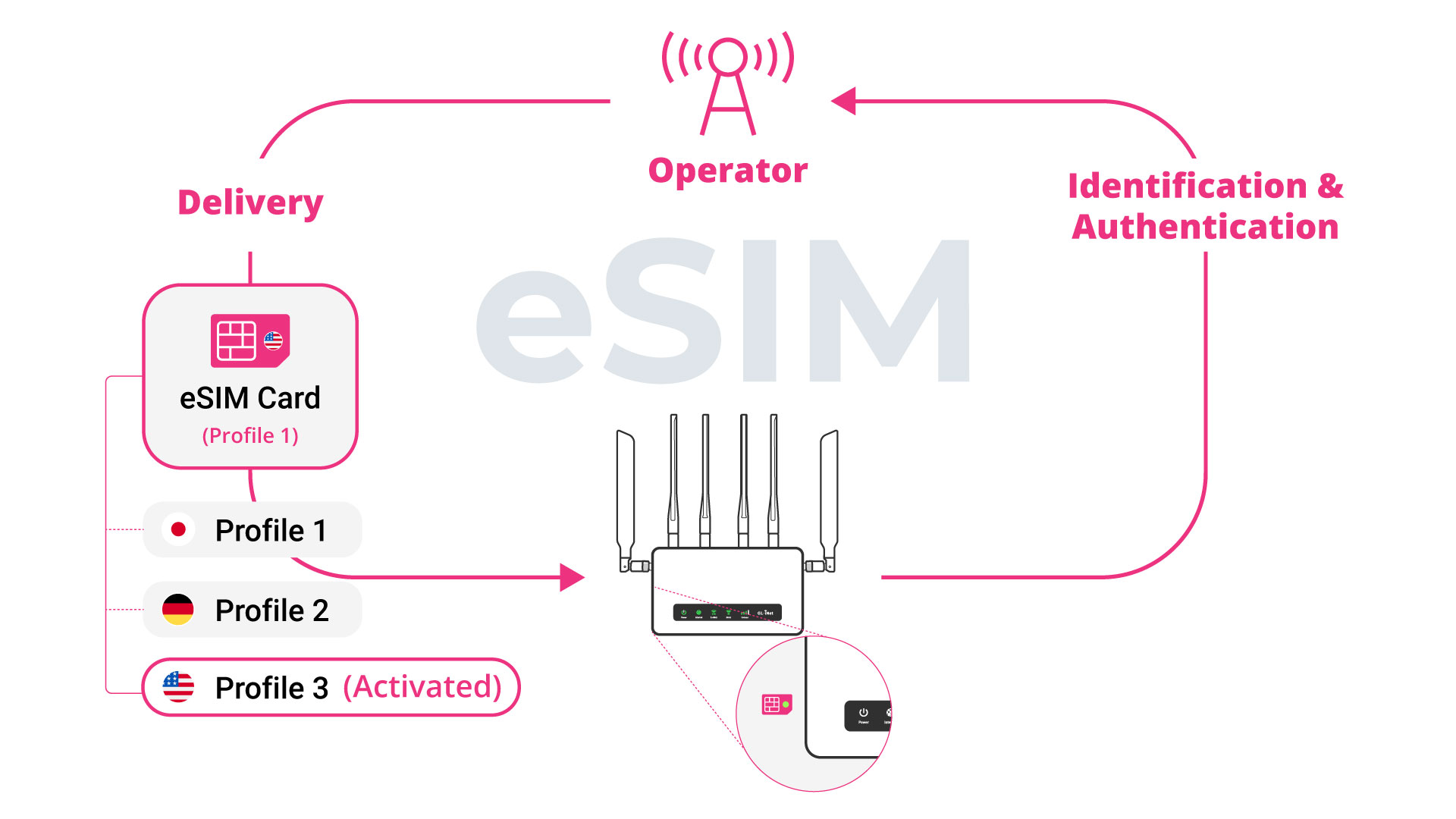
How Does the eSIM Physical Card Work with GL.iNet Routers?

How to Set Up Your eSIM Physical Cards for the First Time?

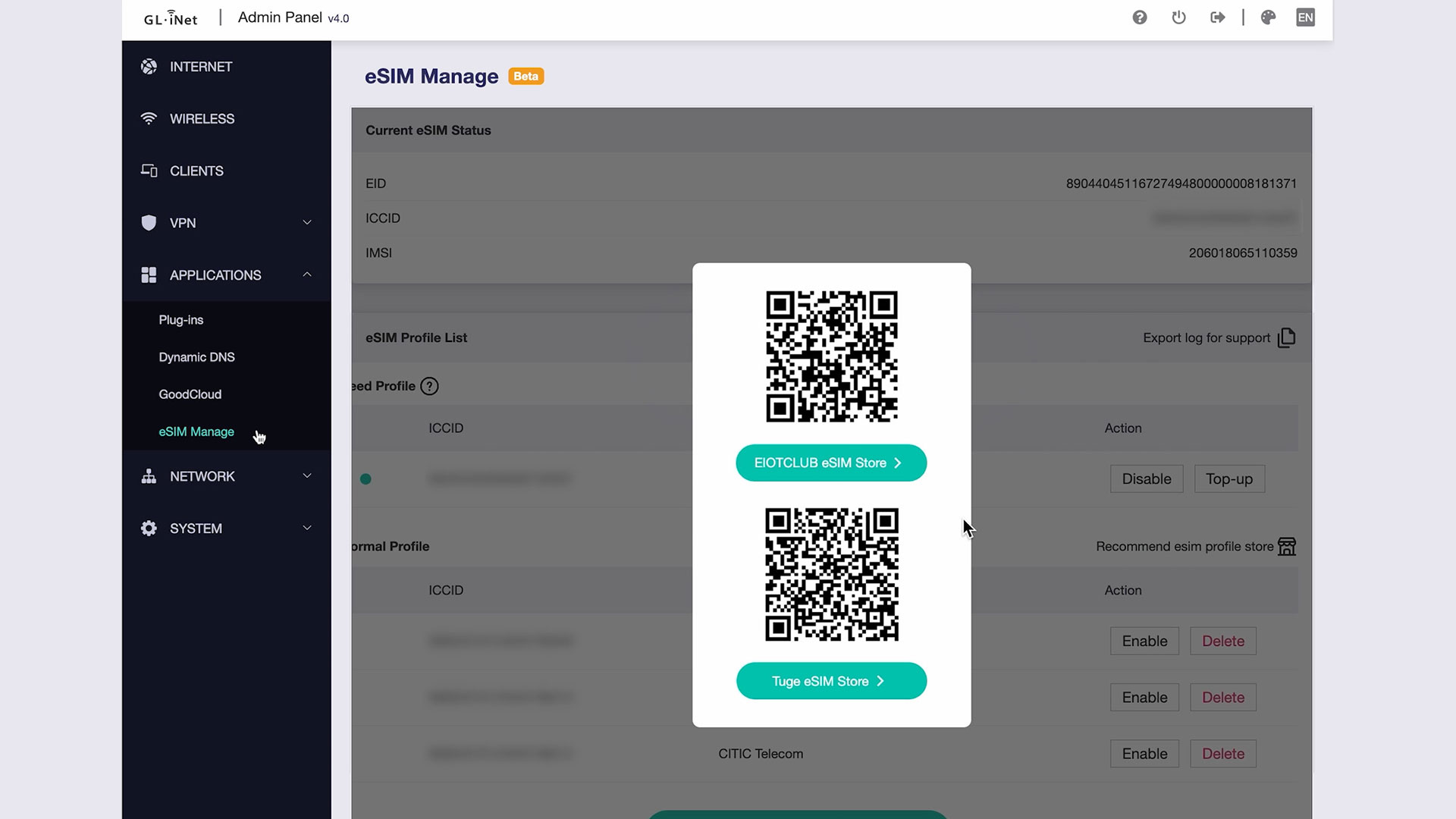
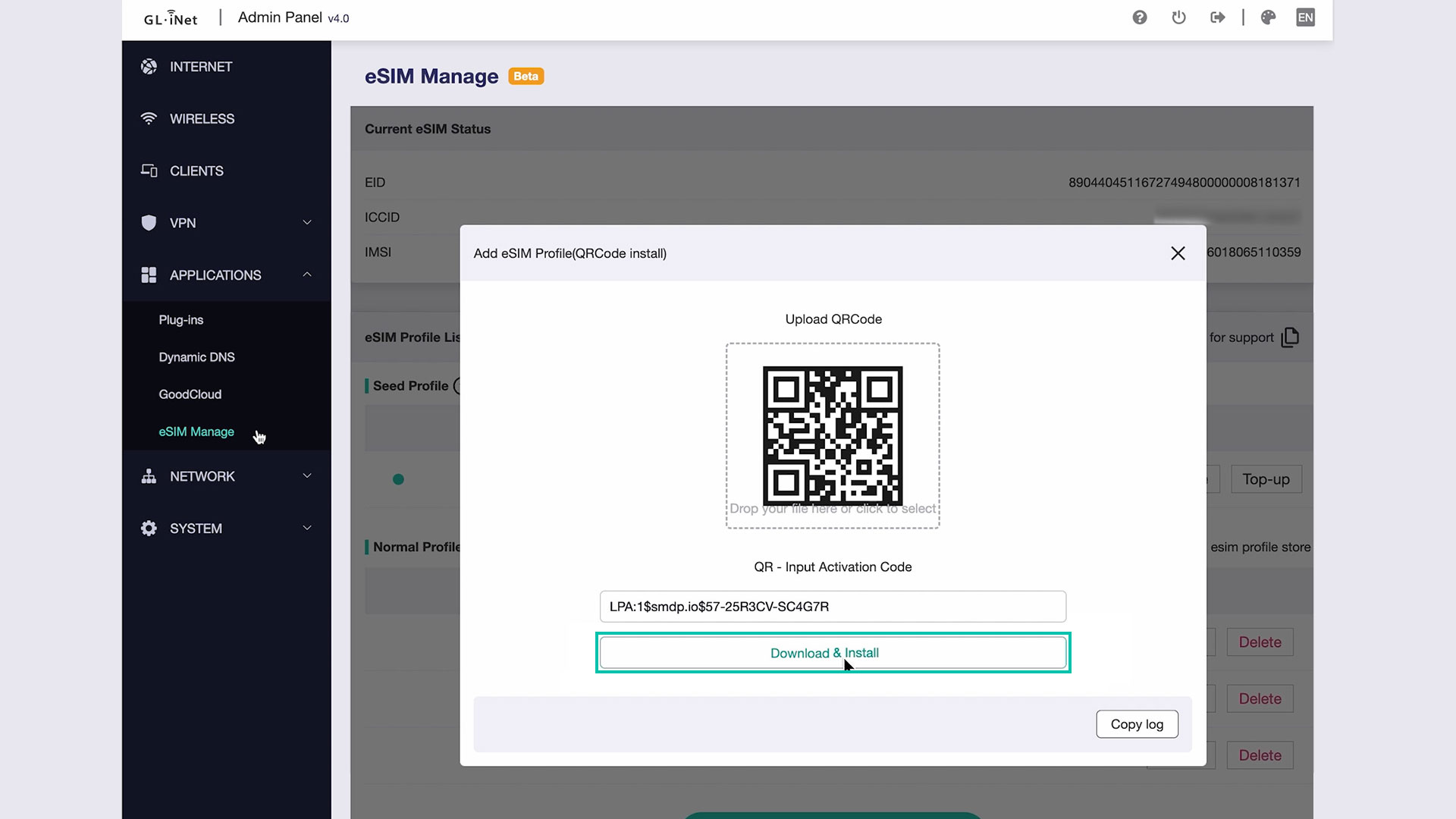
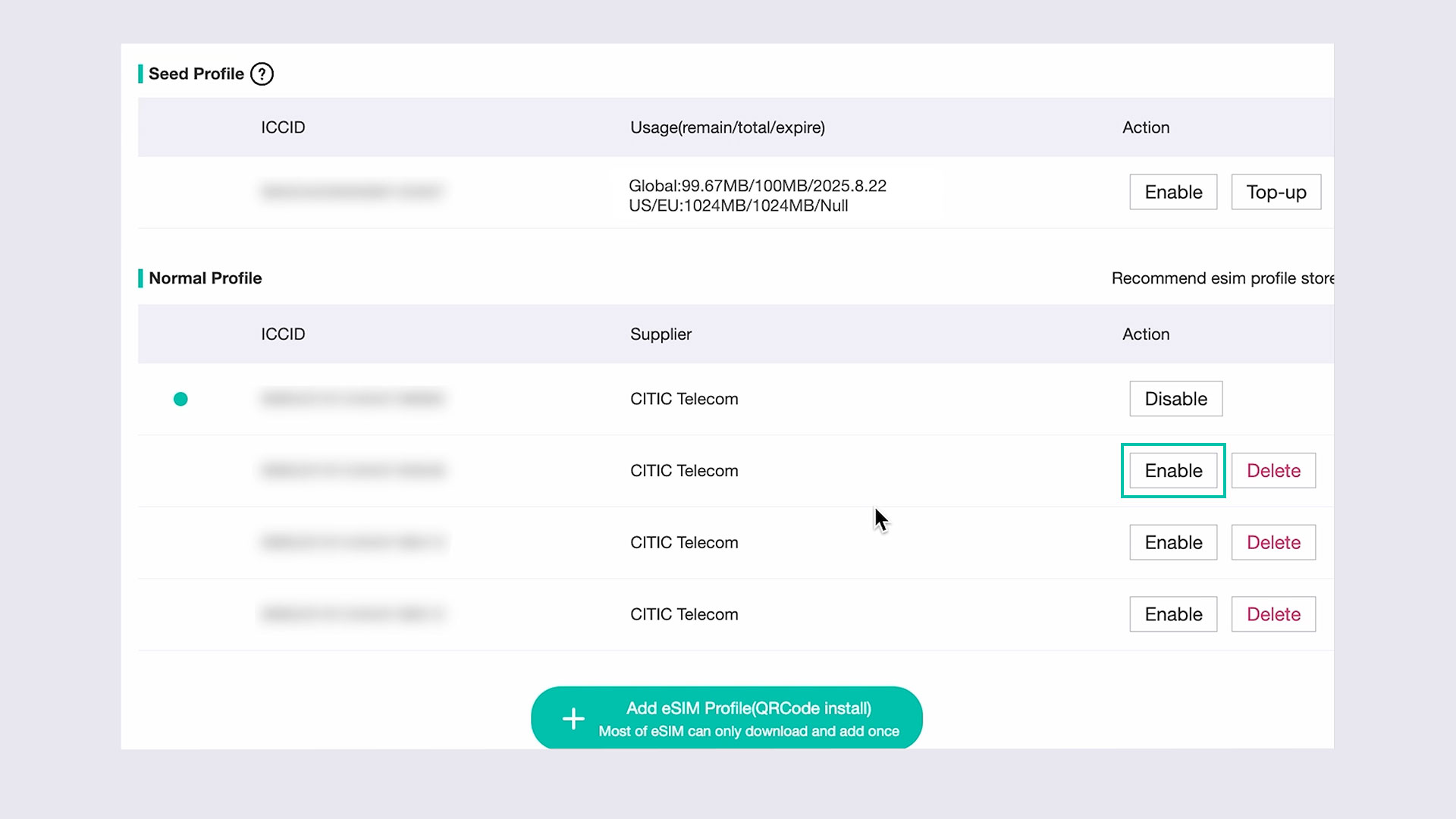
How to Set Up the SIMPoYo eSIM Physical Card with GL.iNet Router?

Prefer to read the full guide? Check out our documentation here

How to Set Up the SIMPoYo eSIM Physical Card with Android Devices?

Prefer to read the full guide? Check out our documentation here

Frequently Asked Questions

  • Visit the User Guide page and choose the product model and specification required for setup from the options on the left-hand side of the page.

  • Navigate to the OpenVPN Client Configuration section, where you can follow the provided guide to effortlessly unlock NordVPN and OpenVPN settings, ensuring seamless VPN functionality.

  • Visit the WireGuard VPN Client page and refer to the guide to effortlessly configure settings for AzireVPN, Mullvad, and other WireGuard client features.

  • Repeater Mode Basic Setup Guide

  • Proceed to the Tutorials section and refer to the guide to effortlessly complete the setup of your WireGuard Home Server.

  • Visit the FAQ page and search for the "Can't access the web Admin Panel" section to find the specific reasons and solutions for this issue.

1
  • Free Shipping

    Free Shipping for EU countries

  • Unlimited Reward

    2 points for every €1 spent

  • Hassle-Free Warranty

    2 Year Warranty

  • 30-Day Money Back

    100% Extremely fast refunds

Compare products

{"one"=>"Select 2 or 3 items to compare", "other"=>"{{ count }} of 3 items selected"}

Select first item to compare

Select second item to compare

Select third item to compare

Compare