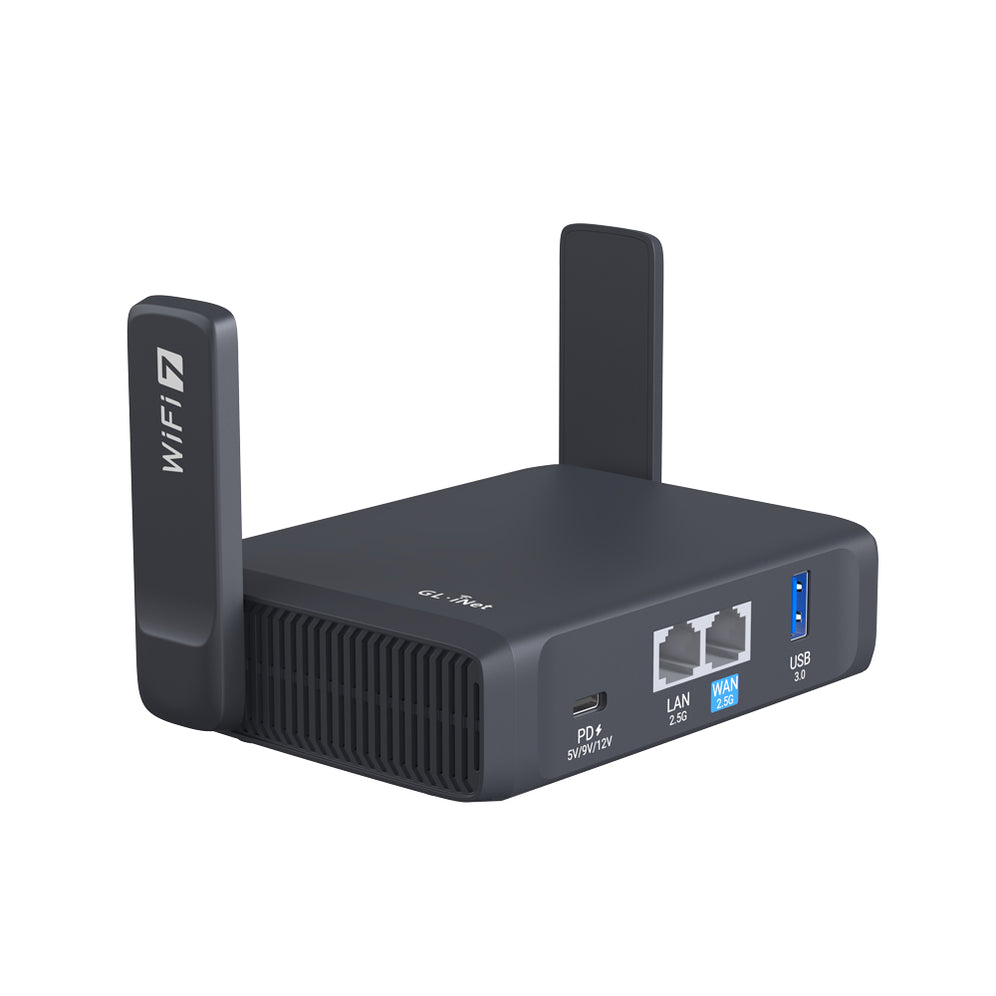
We always encourage users to upgrade their firmware regularly in order to achieve the best user experiences. In this article, we will provide you with the easiest step-by-step guideline on how to update your router to the latest firmware. Let’s use Brume-W (GL-MV1000W) as an example.

{"one"=>"Select 2 or 3 items to compare", "other"=>"{{ count }} of 3 items selected"}