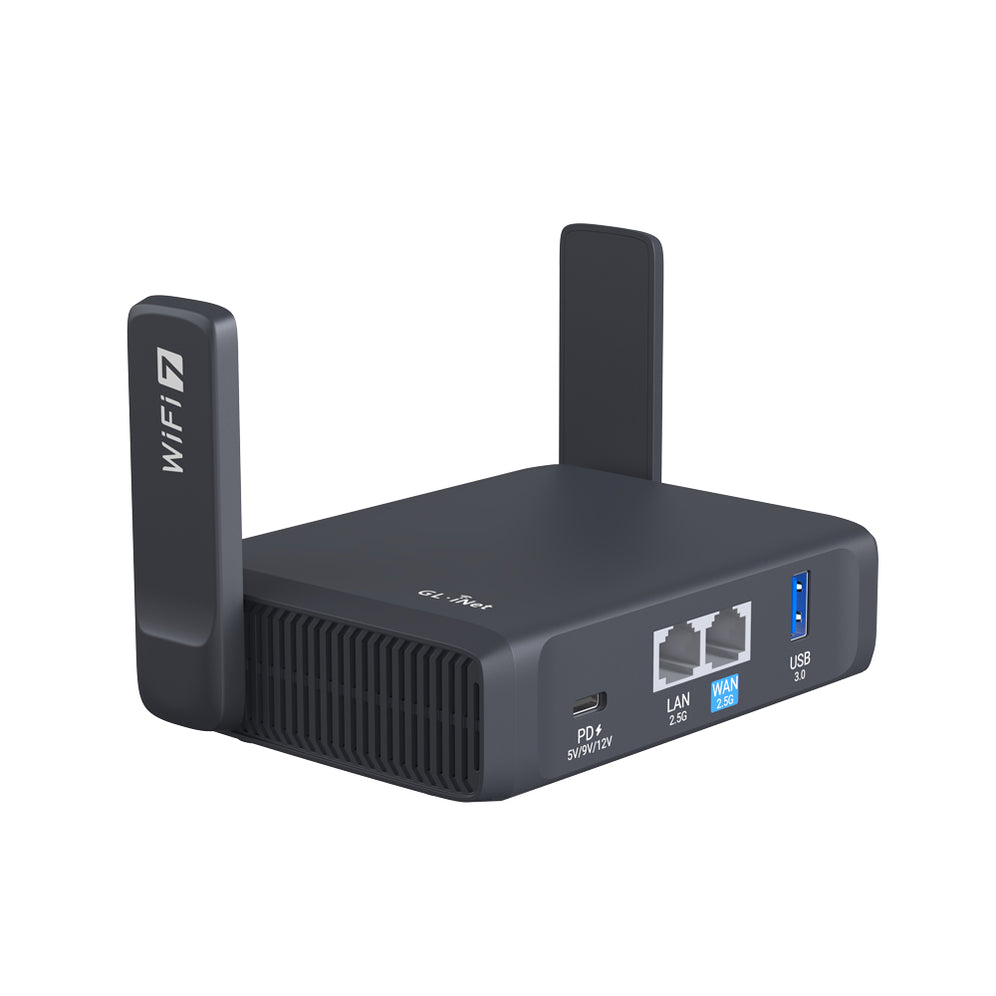
Meet Opal (GL-SFT1200) Gigabit Wireless Router for Security-savvy Travelers
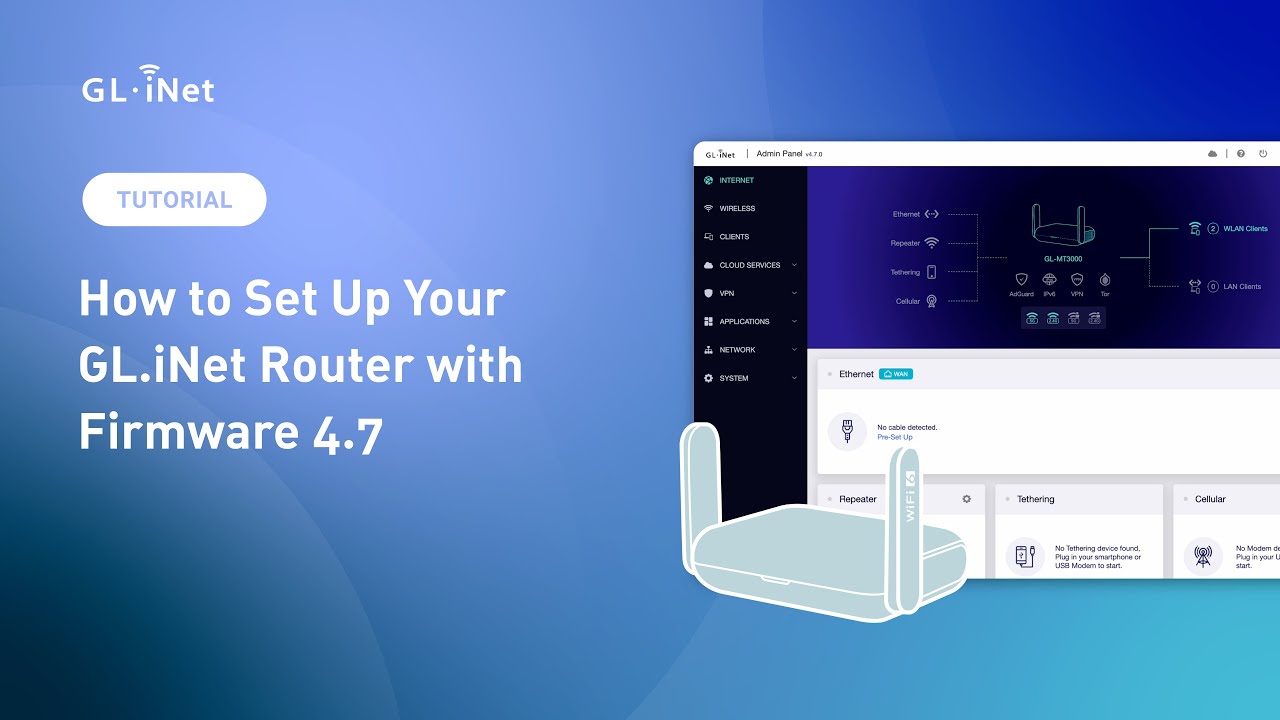
How to Set Up Your GL.iNet Router with Firmware 4.7?

GL.iNet Firmware v4.7: Upgrade Your Router for Faster, Smarter, Secure Connections
How to Set Up an OpenVPN Client on a GL.iNet Router
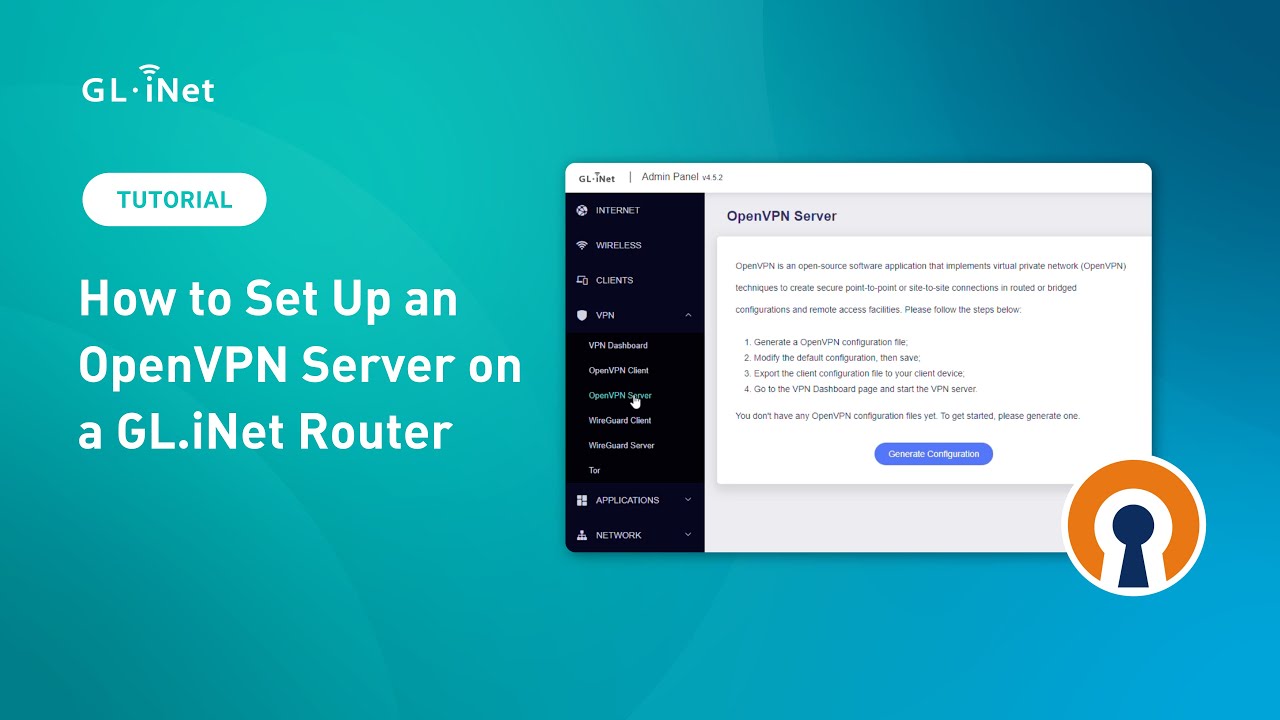
How to Set Up an OpenVPN Server on a GL.iNet Router
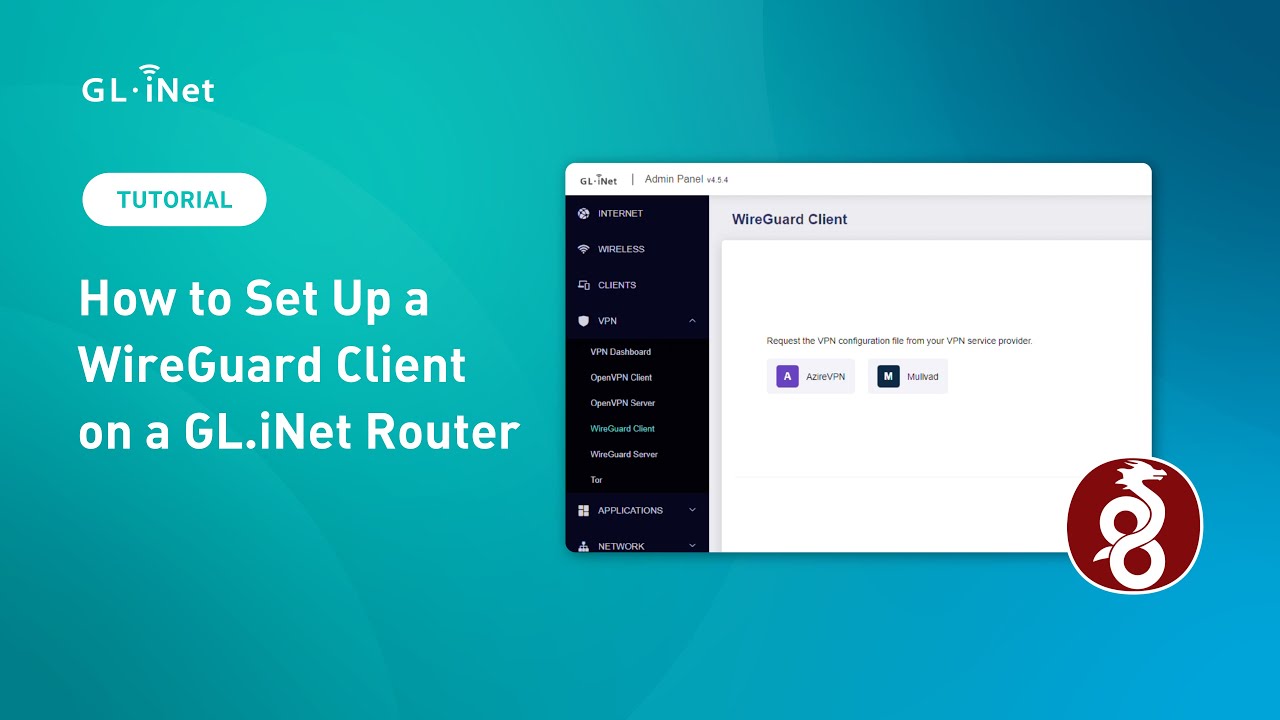
How to Set Up a WireGuard Client on a GL.iNet Router
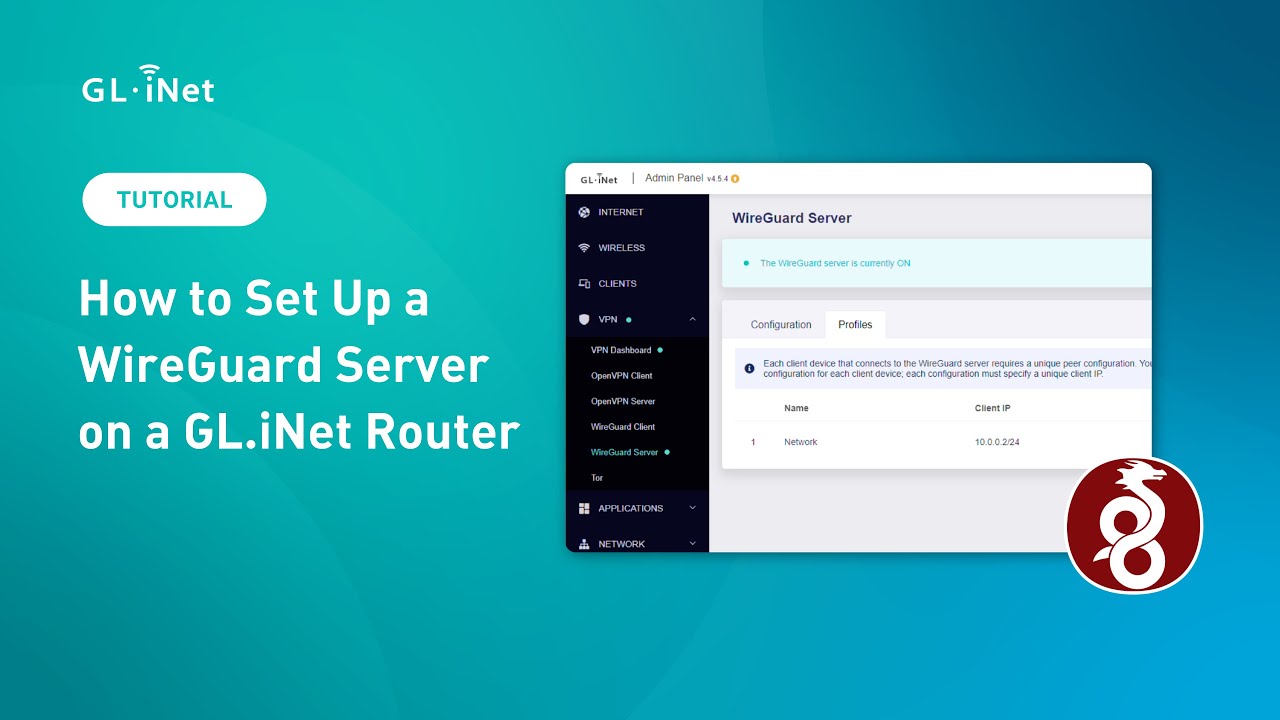
How to Set Up a WireGuard Server on a GL.iNet Router

How to Set Up GL.iNet Routers Running SDK 4.5 or Above for the First Time
How to set up an OpenVPN client
How to set up an OpenVPN server
How to set up a WireGuard client
How to set up a WireGuard server
How to set up Site to Site on GoodCloud
Build your own WireGuard home server with two GL.iNet routers
How to connect to the dedicated IP by NordVPN
How to connect to the dedicated IP by Surfshark
How to get configuration files from WireGuard service providers
How to Configure Domain and IP Filtering Rules for GL.iNet Routers via an Online Text File
Already enjoying the convenience of our travel router? Take it a step further with our home router for seamless remote access to your home server. With advanced features and enhanced security, our home router ensures that your connection remains stable and reliable, giving you full control of your home network from anywhere. Whether you're managing files, devices, or media, upgrading to our home router will make sure your remote access is faster, smoother, and more secure. Stay connected—no matter where life takes you!

Click on the icons below to contact us!
{"one"=>"Wählen Sie 2 oder 3 Artikel zum Vergleichen aus", "other"=>"{{ count }} von 3 Elementen ausgewählt"}
Wählen Sie das erste zu vergleichende Element aus
Wählen Sie das zweite zu vergleichende Element aus
Wählen Sie das dritte Element zum Vergleichen aus