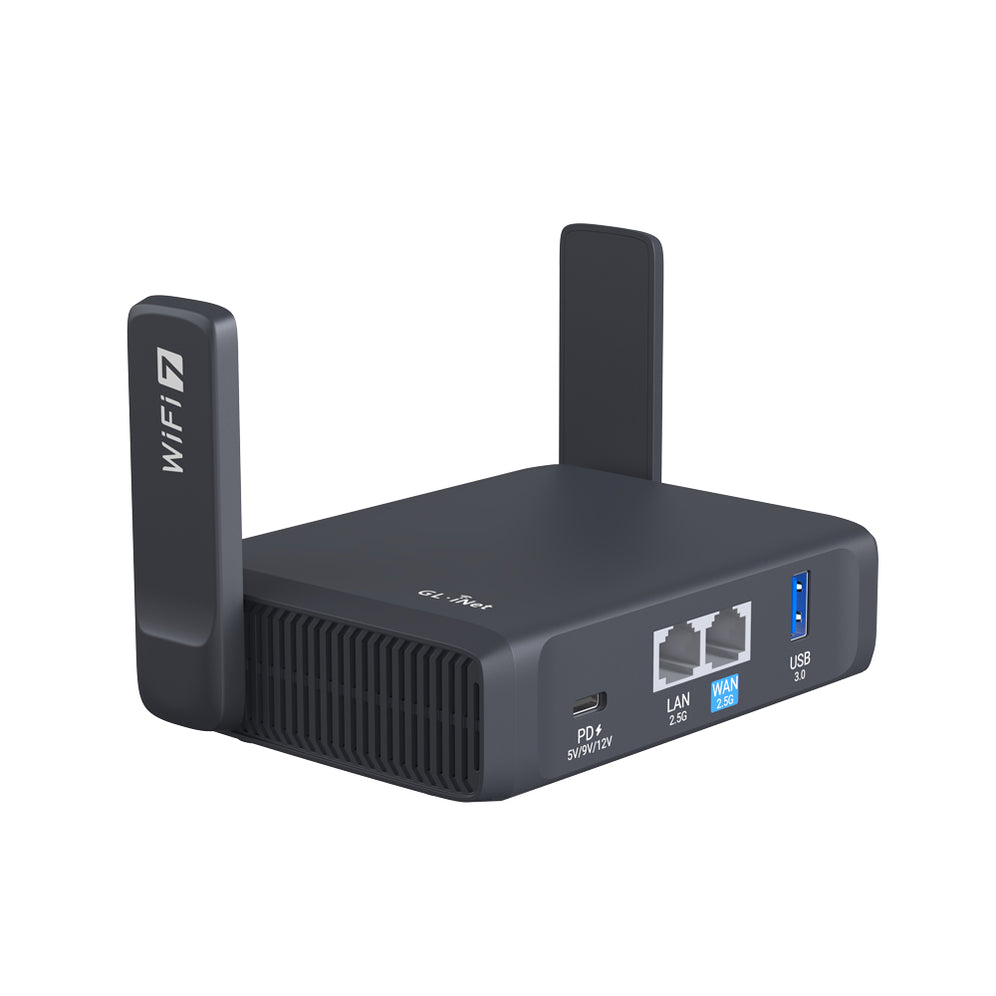
In GL.iNet 6416, you can use ssh proxy. (these features are removed from AR150 firmware) Here are simple instructions.

Where to get RSA file?
If you have an SSH server, you are likely to have an username and password. Some servers requires RSA to ensure security. When using RSA, you don’t need type your password anytime. For example, I am using Amazon EC2. When I built the instance, it forced me to download a xxxx.pem file. This is the file that we should use as RSA.
If you only have a password without RSA file, you can try to generate one. Here is some guidance:
https://help.github.com/articles/generating-ssh-keys/
https://www.cyberciti.biz/faq/linux-generating-rsa-keys/
In your Linux,
ssh-keygen -t rsa
Follow the guidance to to generate two files, id_rsa and id_rsa.pub
Then upload the key to your server. If you are not to upload to the server, you cannot continue.
ssh-copy-id yourusername@your-server
Then you can login using the RSA content.
{"one"=>"Wählen Sie 2 oder 3 Artikel zum Vergleichen aus", "other"=>"{{ count }} von 3 Elementen ausgewählt"}
Wählen Sie das erste zu vergleichende Element aus
Wählen Sie das zweite zu vergleichende Element aus
Wählen Sie das dritte Element zum Vergleichen aus