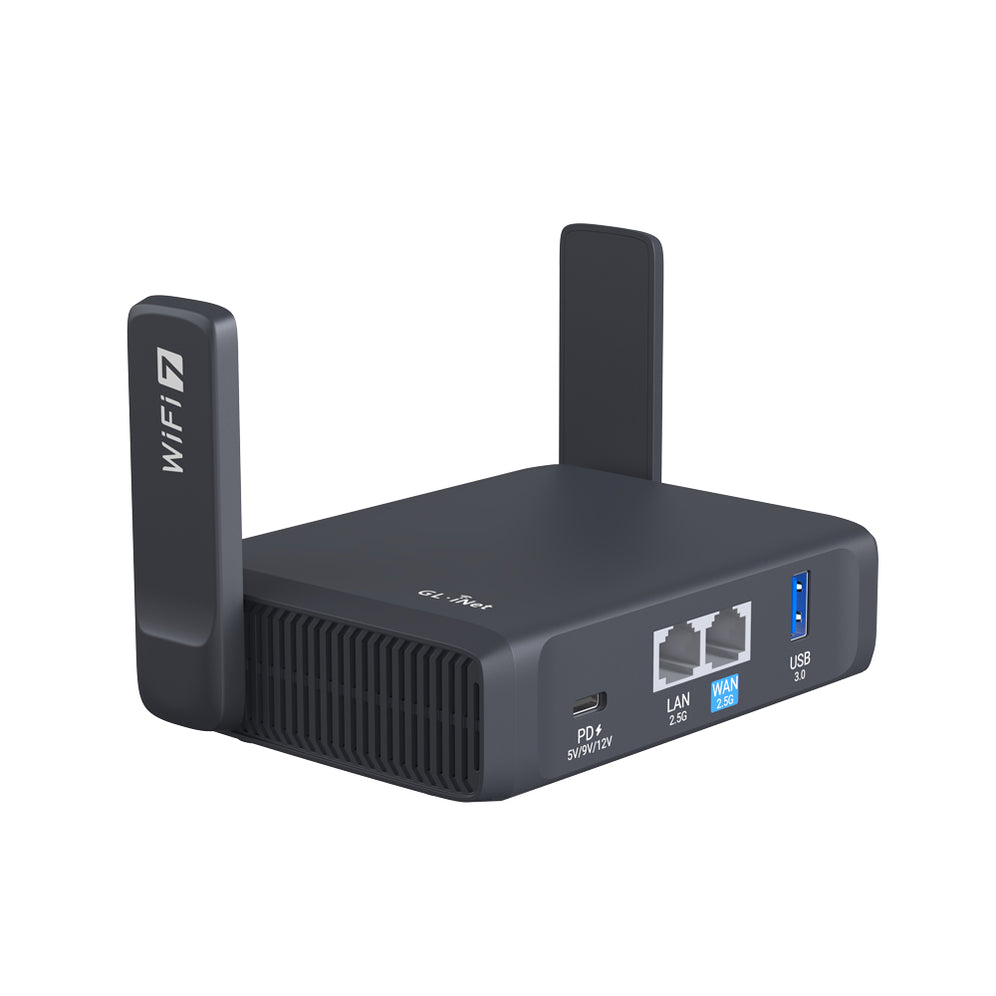
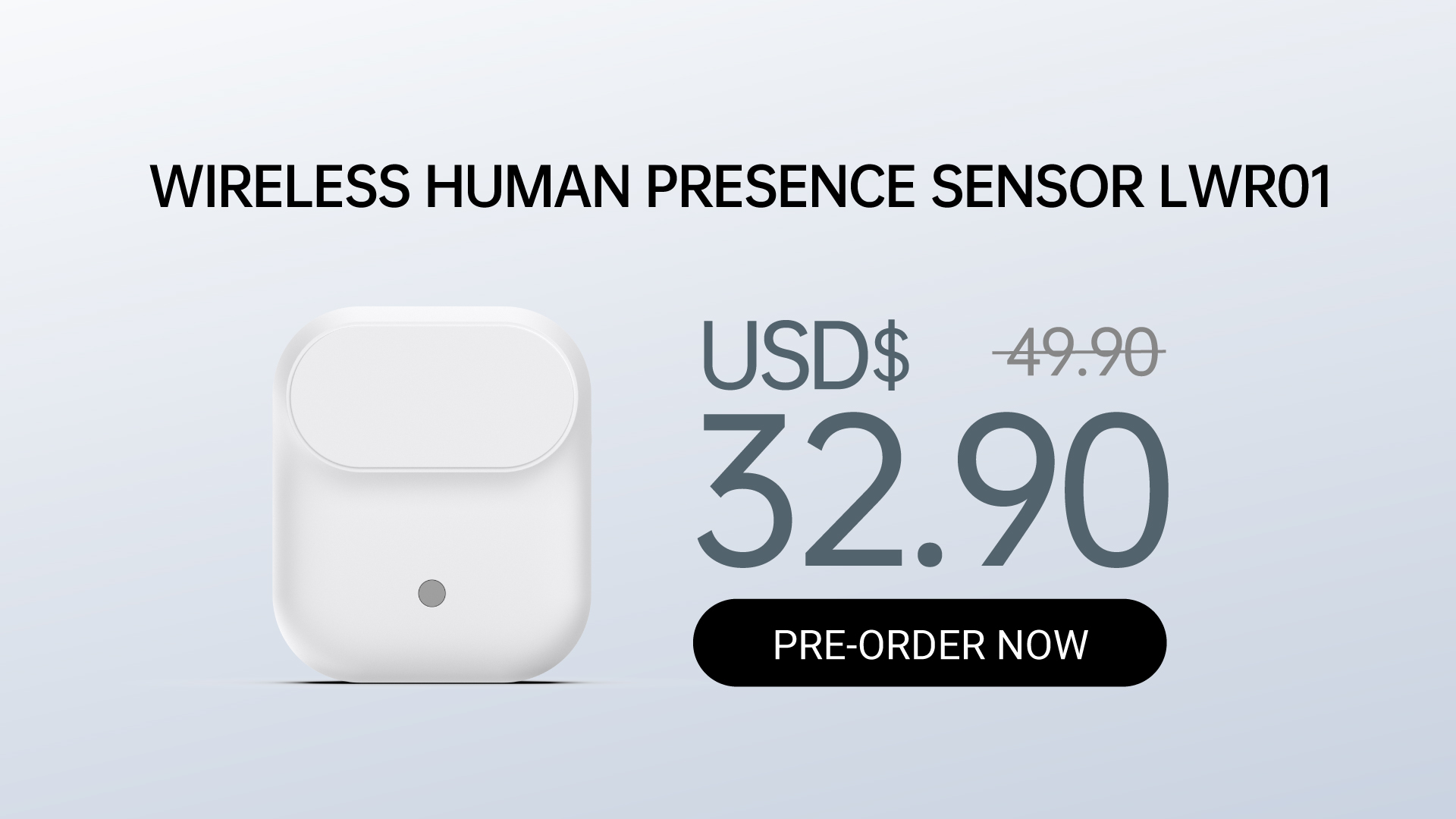
Hong Kong, [June 24, 2025] – Lafaer, a sub-brand by GL.iNet, is excited to announce the pre-order launch of its first Wireless Human Presence Sensor, the LWR01.
Unlike ordinary motion detectors, the LWR01 doesn’t just respond to movement, it knows when someone is actually in the room! This makes it ideal for spaces where activity isn’t always obvious but presence still matters, like home offices, bedrooms, or living rooms. With a built-in ambient-light sensor to help reduce unnecessary power use during the day, and support for Matter-over-Thread, the LWR01 integrates easily into popular smart home ecosystems like Apple Home, Google Home, Alexa, and more.
Whether battery-powered for flexible placement or powered via USB-C, LWR01 offers a simple solution to keeping your home smart, efficient and responsive.
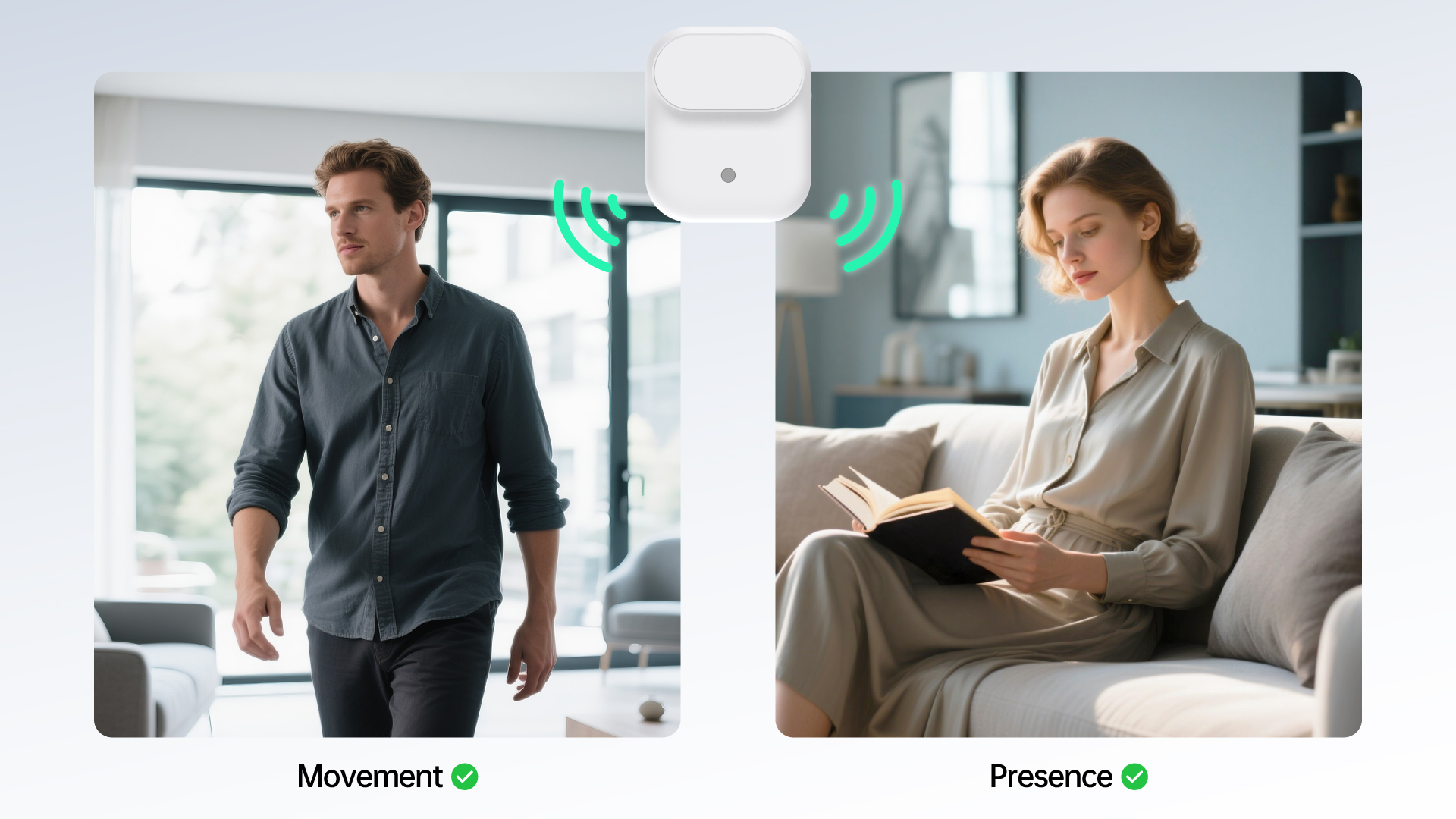
The LWR01 uses advanced millimetre-wave (mmWave) radar to detect not just motion, but actual human presence. Whether you’re reading, working at your desk, or watching a movie without moving a muscle, the LWR01 can tell you’re there. It detects presence up to 3.5 meters away and larger movements up to 6 meters, which means no more waving your arms just to keep the lights on.
The sensor also includes a built-in ambient-light detector, so it knows when natural sunlight is already bright enough. This small but powerful feature helps reduce energy use automatically, without needing any extra input from you. It ensures your lights only come on when they’re actually needed—making your smart home not just more convenient, but also more efficient.
Note: Requires smart lights and smart home hub for automation.
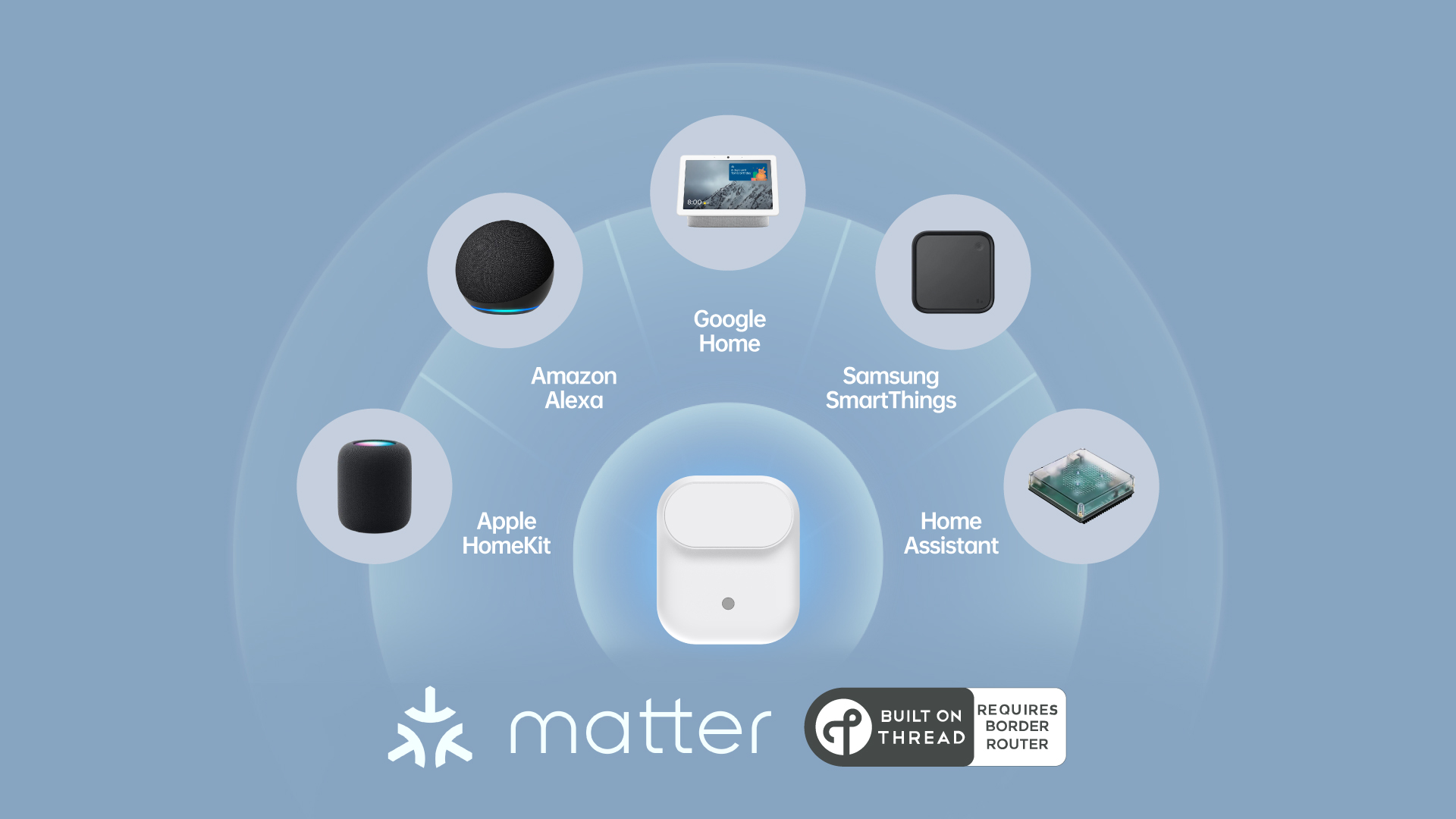
Setting up the LWR01 is simple. Thanks to support for the Matter-over-Thread protocol, the sensor works seamlessly with your favorite smart home platforms (Apple Home, Amazon Alexa, Google Home, Samsung SmartThings, and more). Matter ensures that your devices speak a common language across brands, while Thread provides a fast, low-power mesh network that keeps them reliably connected throughout your home.
Unlike older systems that rely on brand-specific hubs, the LWR01 pairs effortlessly with any compatible Matter over Thread enabled controller. Just connect it once and it’s ready to go; no extra hubs, no complicated setup, and no subscription required. Whether you’re building a smart home from scratch or expanding an existing setup, LWR01 fits right in.
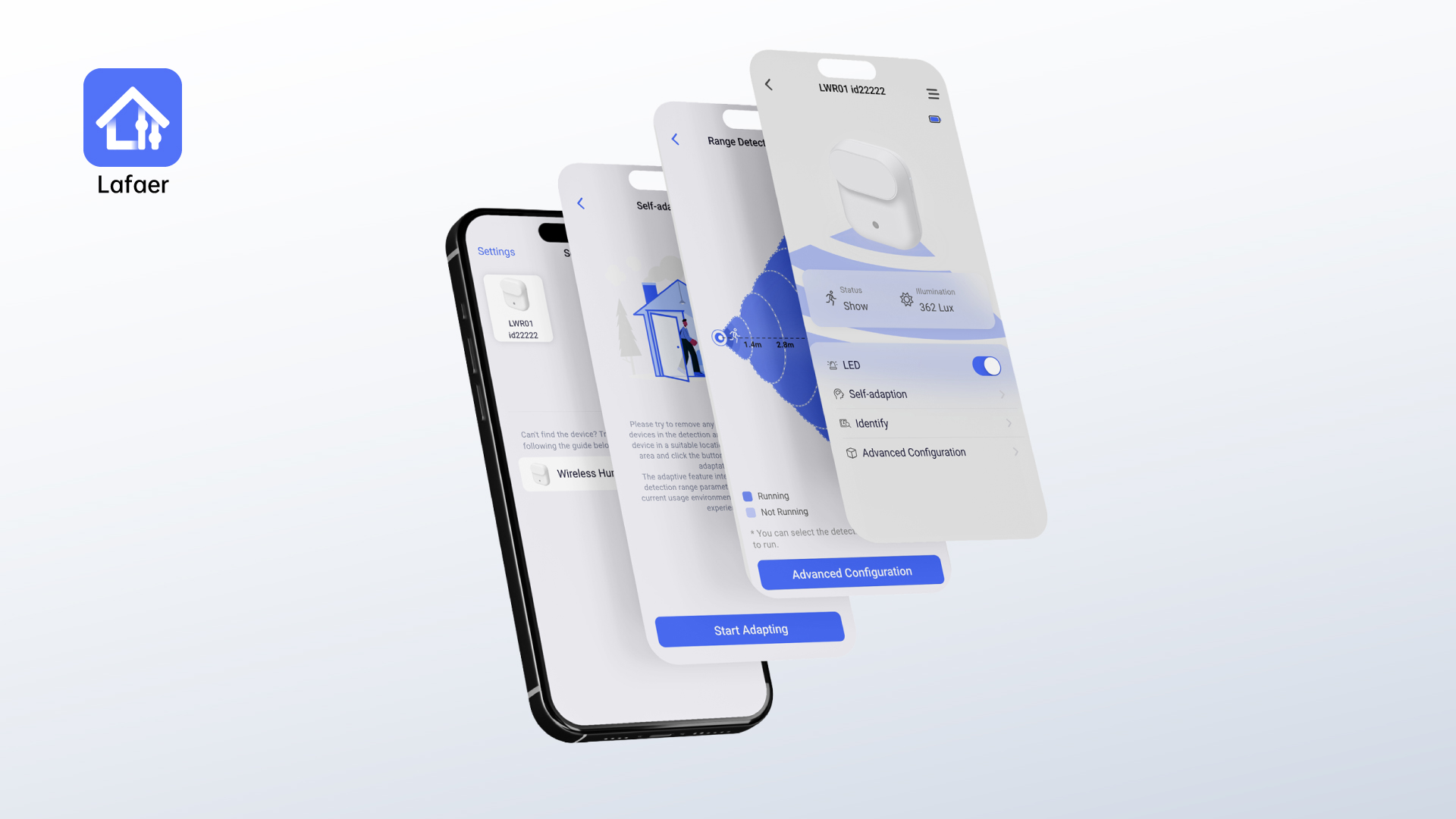
To customize how the LWR01 works, you can use the free Lafaer Tool app to adjust everything from detection sensitivity to the LED indicators and automation settings. This is especially helpful for households with pets, people who prefer customized lighting, or families who want specific behaviors based on time of day or room usage. Whether it’s making sure your kids’ lights stay on during quiet study time, or ensuring the AC doesn’t run when no one’s home, the LWR01 offers an intuitive, reliable way to make your smart home feel truly smart.
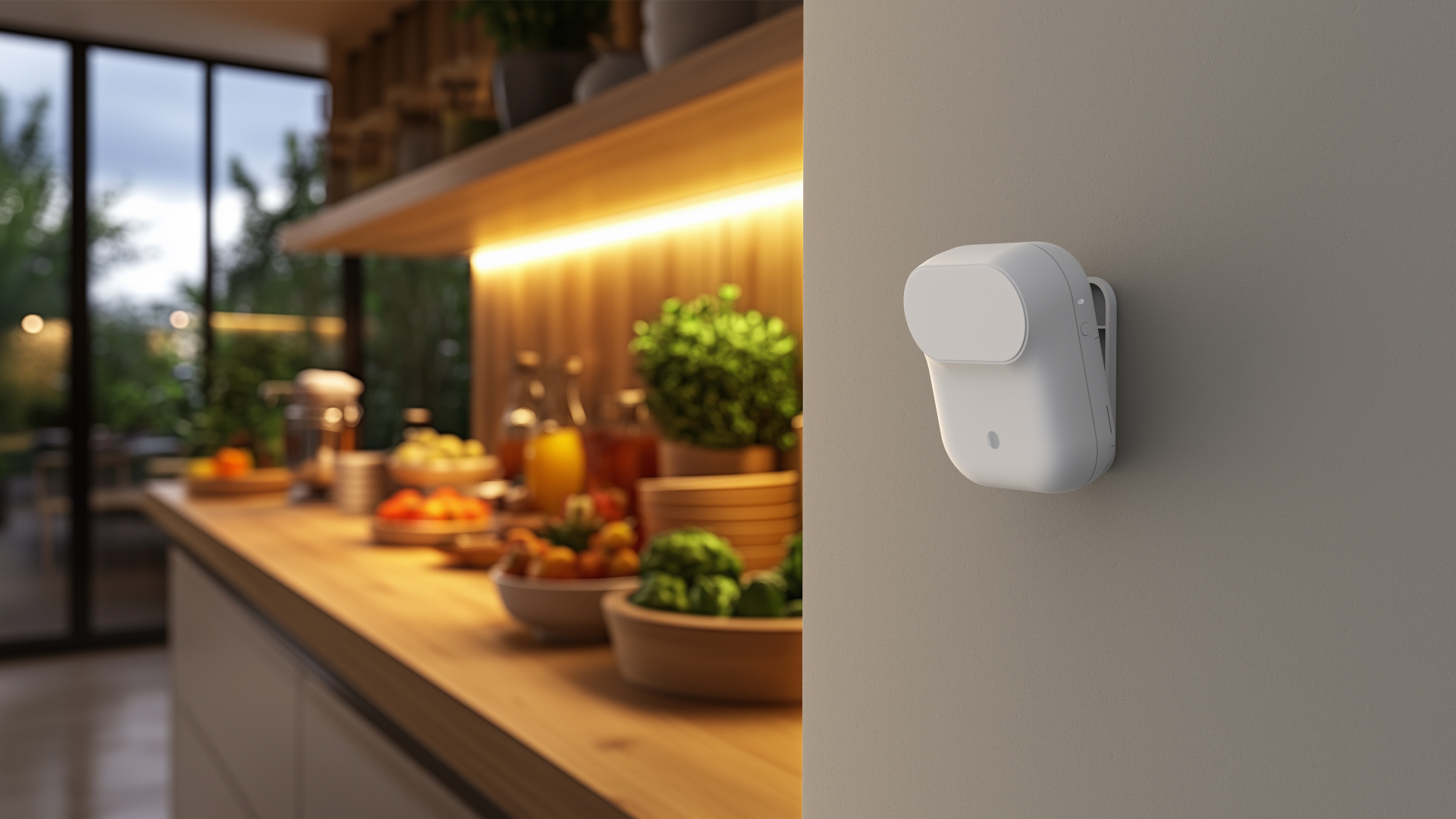
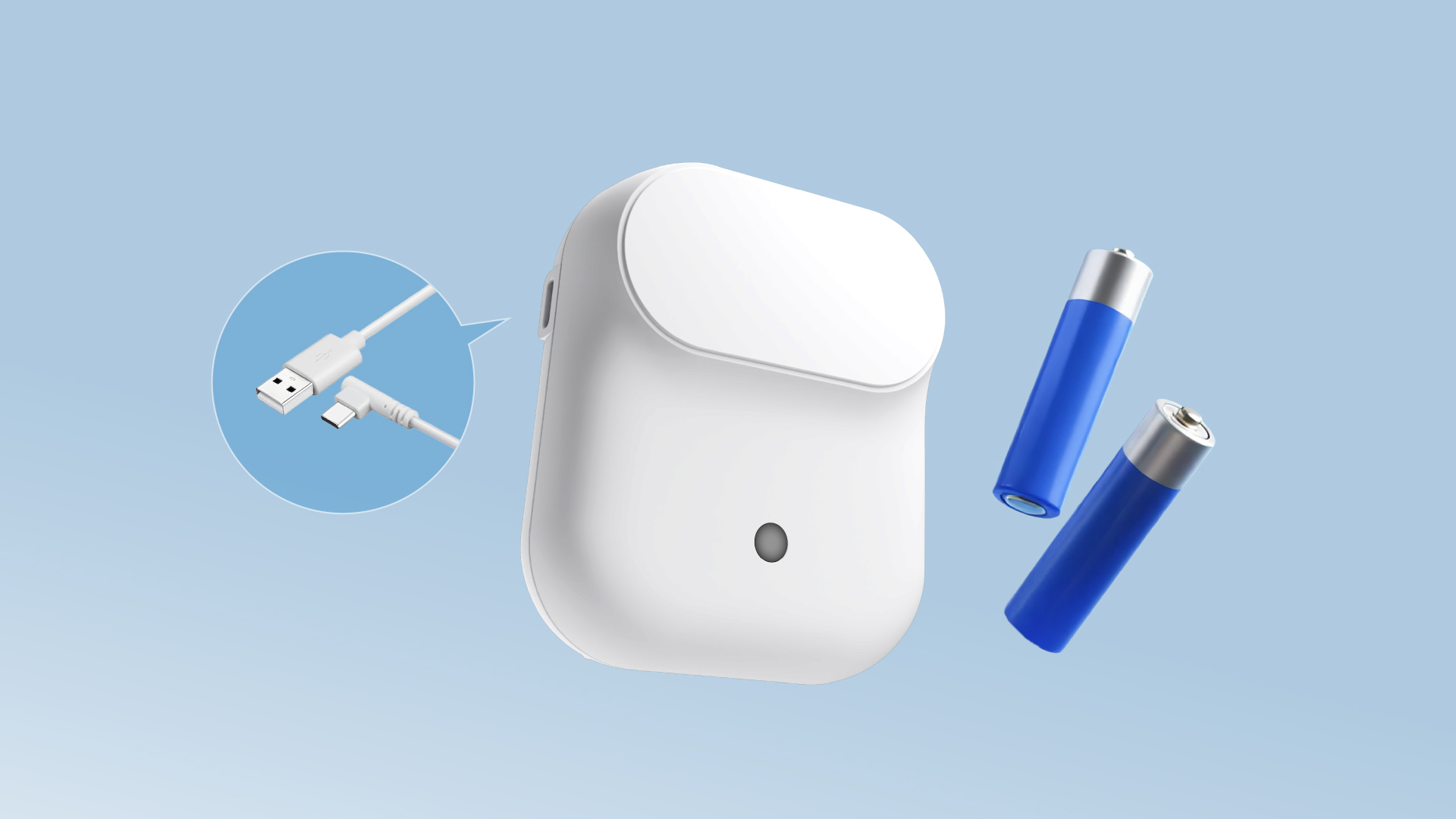
Designed to fit seamlessly into any space, the Lafaer LWR01 features a clean, matte-white finish and compact size: 85 × 72 × 37 mm. It’s easy to install using the included magnetic mount or adhesive backing, whether on a wall, ceiling, or desk.
The LWR01 runs on just two AA batteries, lasting over a year on a single set—or keep it powered via the built-in USB-C port. Inside, a 120-degree radar field ensures accurate presence detection, while the device is optimized to perform reliably in everyday indoor conditions.
Whether you’re automating lights, managing energy use, or simply adding more intelligence to your environment, LWR01 is built to deliver convenience and control, right out of the box.
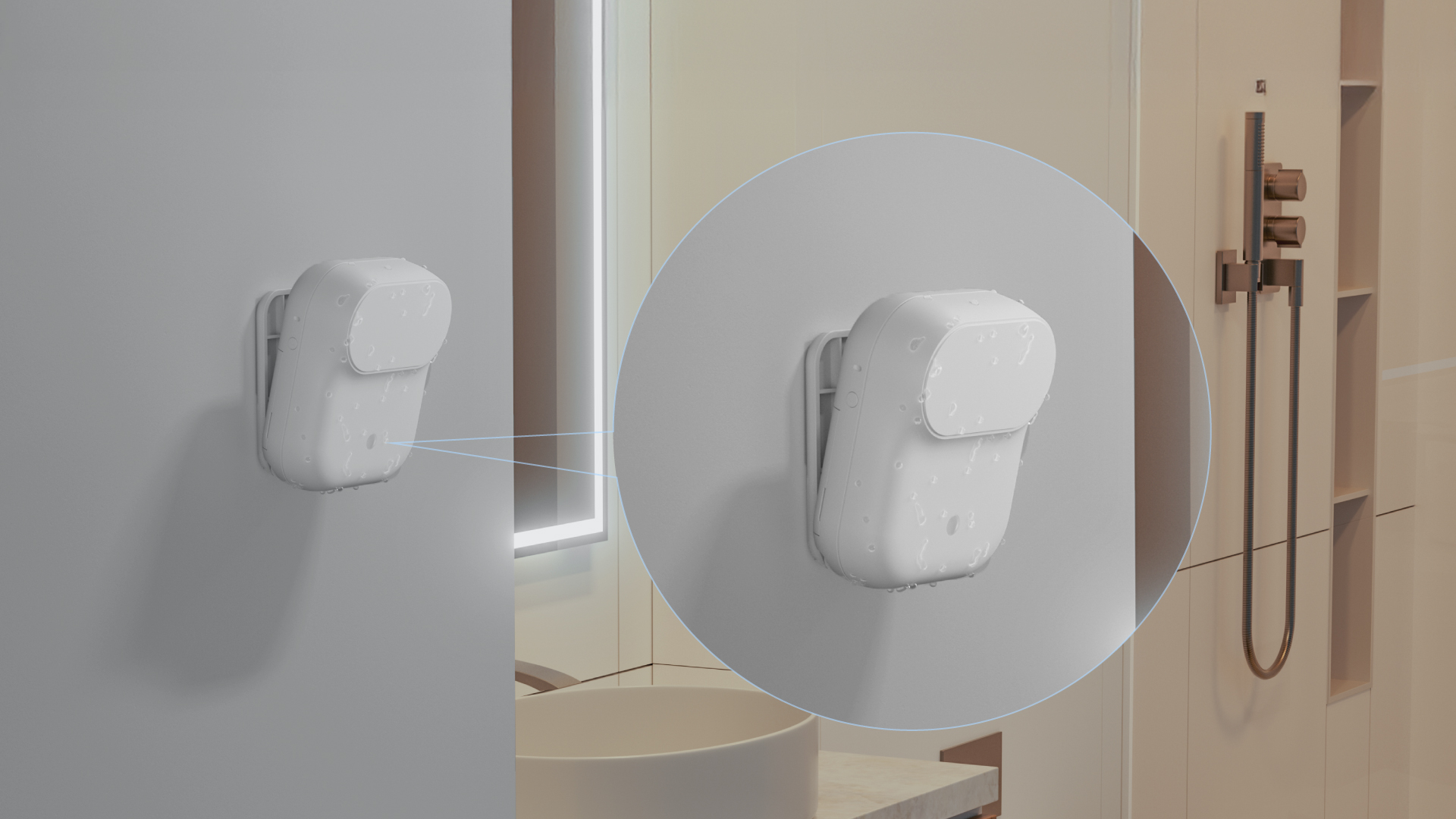
Its IPX3 water-resistant design makes it safe to use in areas like bathrooms, kitchens, or laundry rooms—giving you more flexibility in where the sensor can be installed. Whether mounted on a tiled wall or placed near a sink, LWR01 is built to handle everyday splashes without issue.
Upgrade from motion sensing to true presence awareness, transform your home with LWR01!
{"one"=>"Wählen Sie 2 oder 3 Artikel zum Vergleichen aus", "other"=>"{{ count }} von 3 Elementen ausgewählt"}
Wählen Sie das erste zu vergleichende Element aus
Wählen Sie das zweite zu vergleichende Element aus
Wählen Sie das dritte Element zum Vergleichen aus