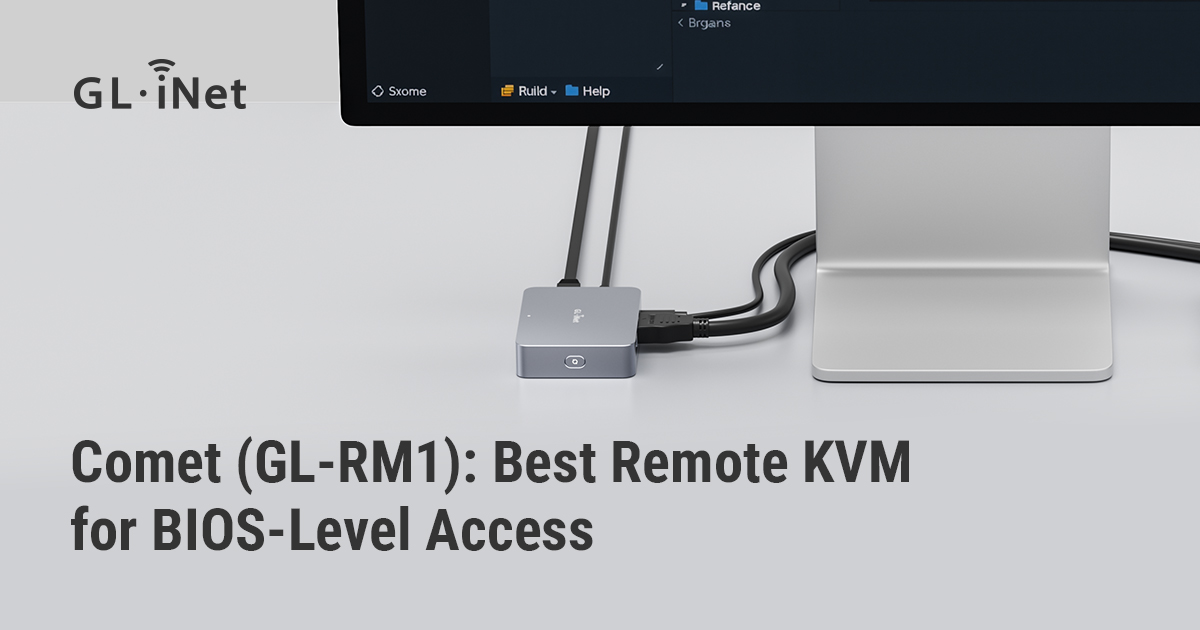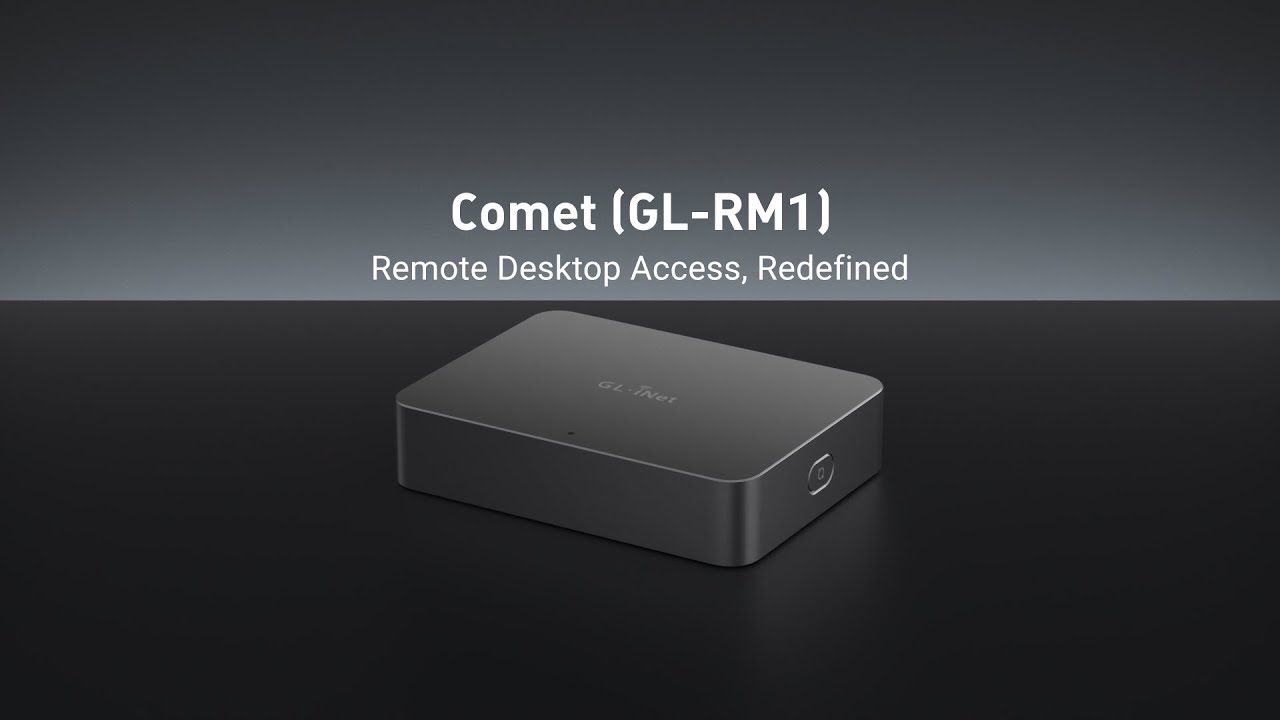
Comet (GL-RM1) Open Source Remote KVM | Redefining Remote Access
First-Time Setup for Comet (GL-RM1) | Remote KVM
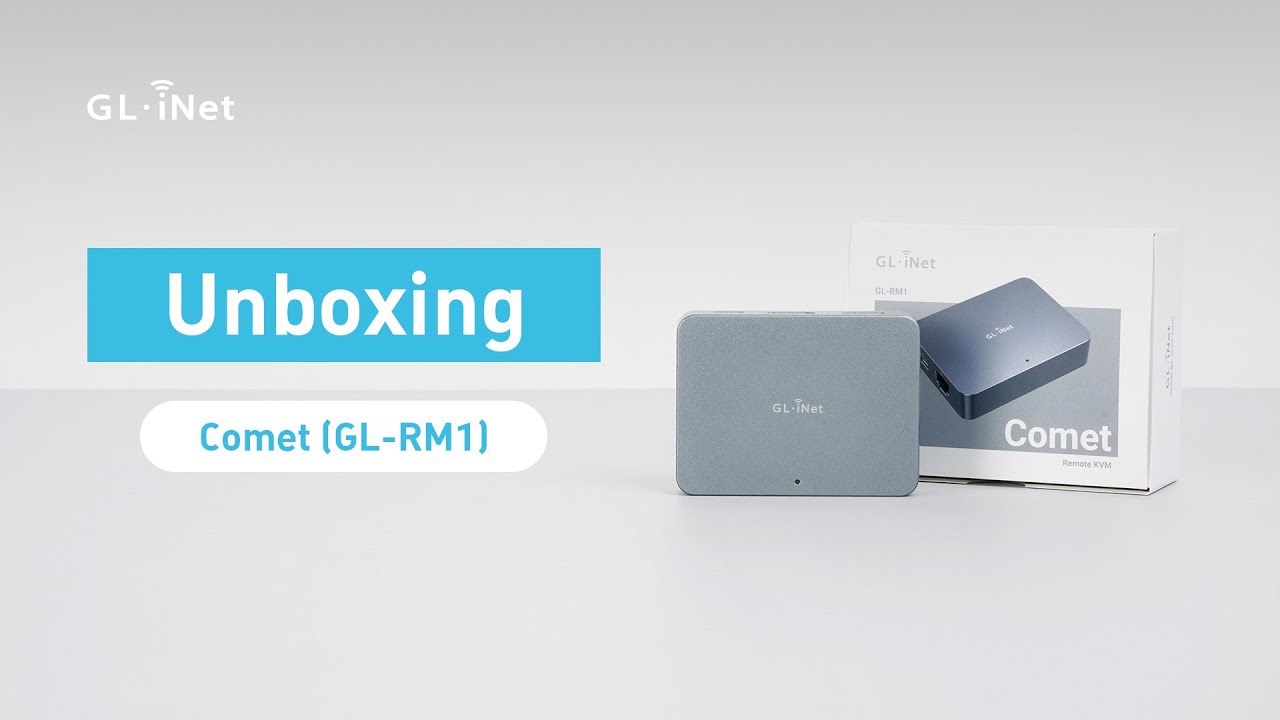
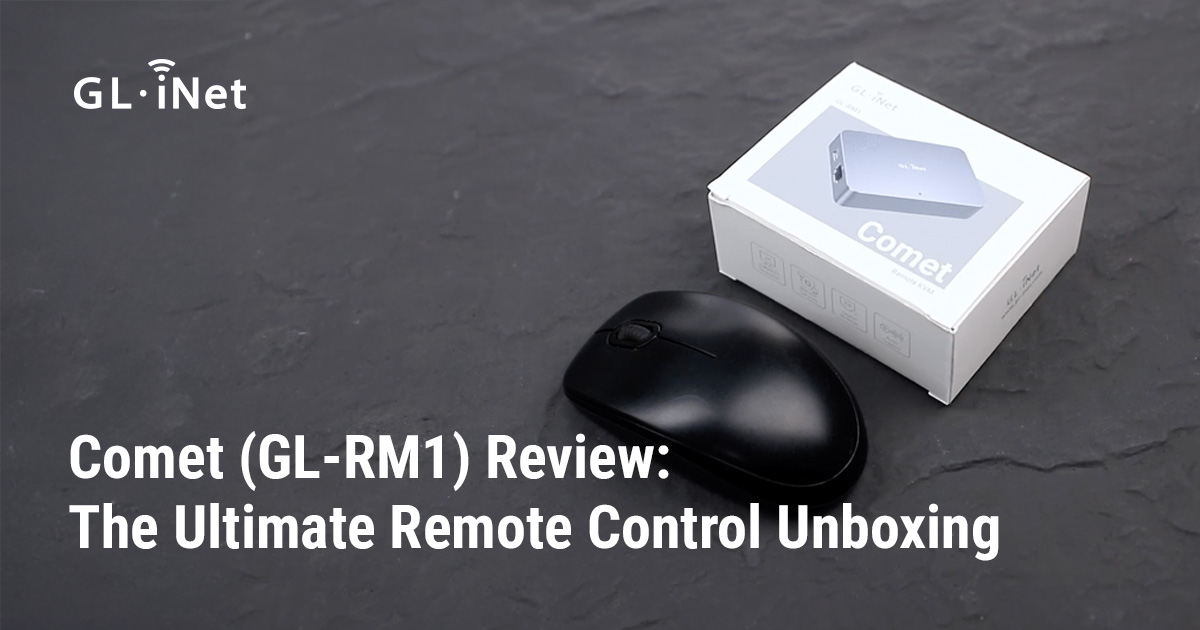
Unboxing Comet (GL-RM1) | Remote KVM over Internet
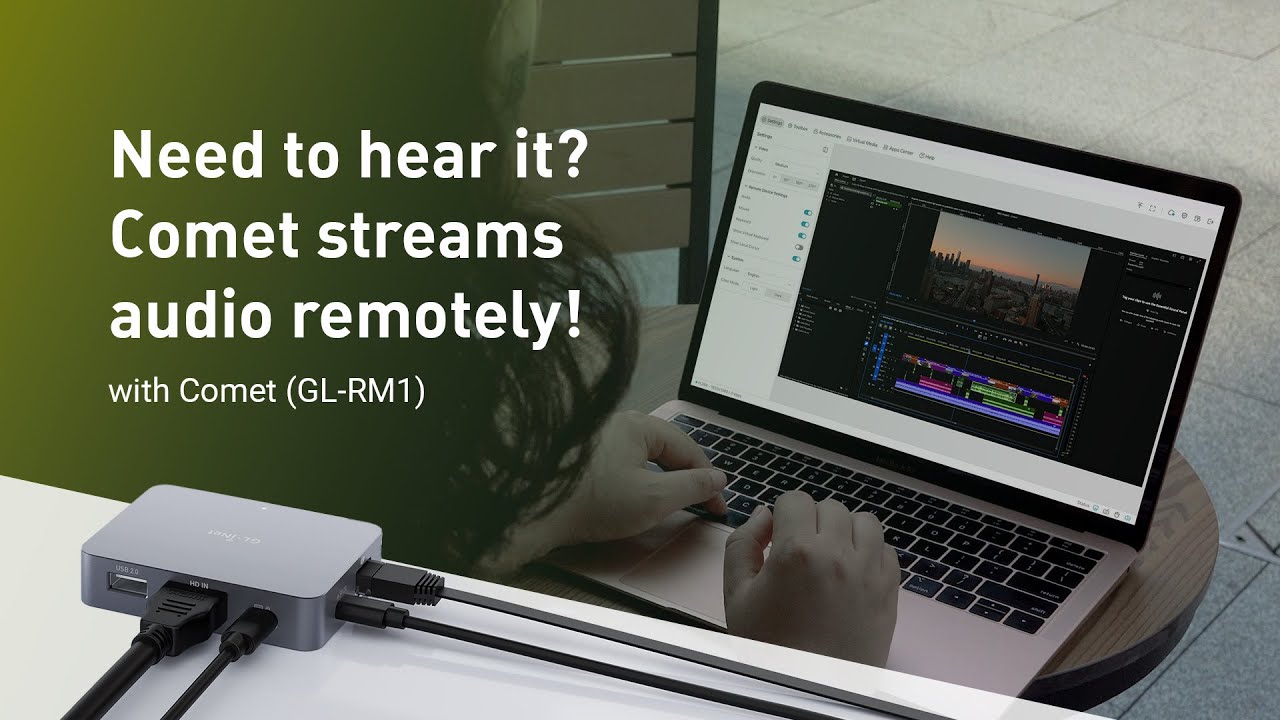
Meet Comet (GL-RM1) | Remote Audio Output for Total Control
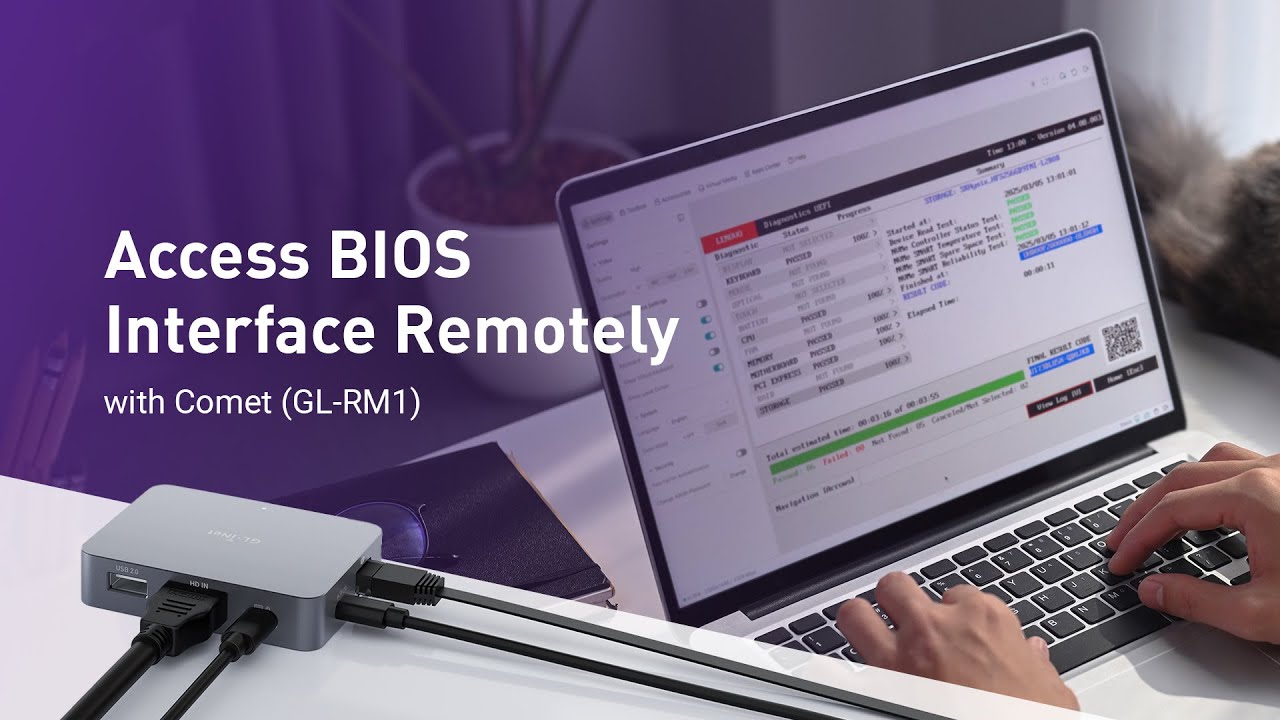
Access BIOS interface with Comet (GL-RM1)
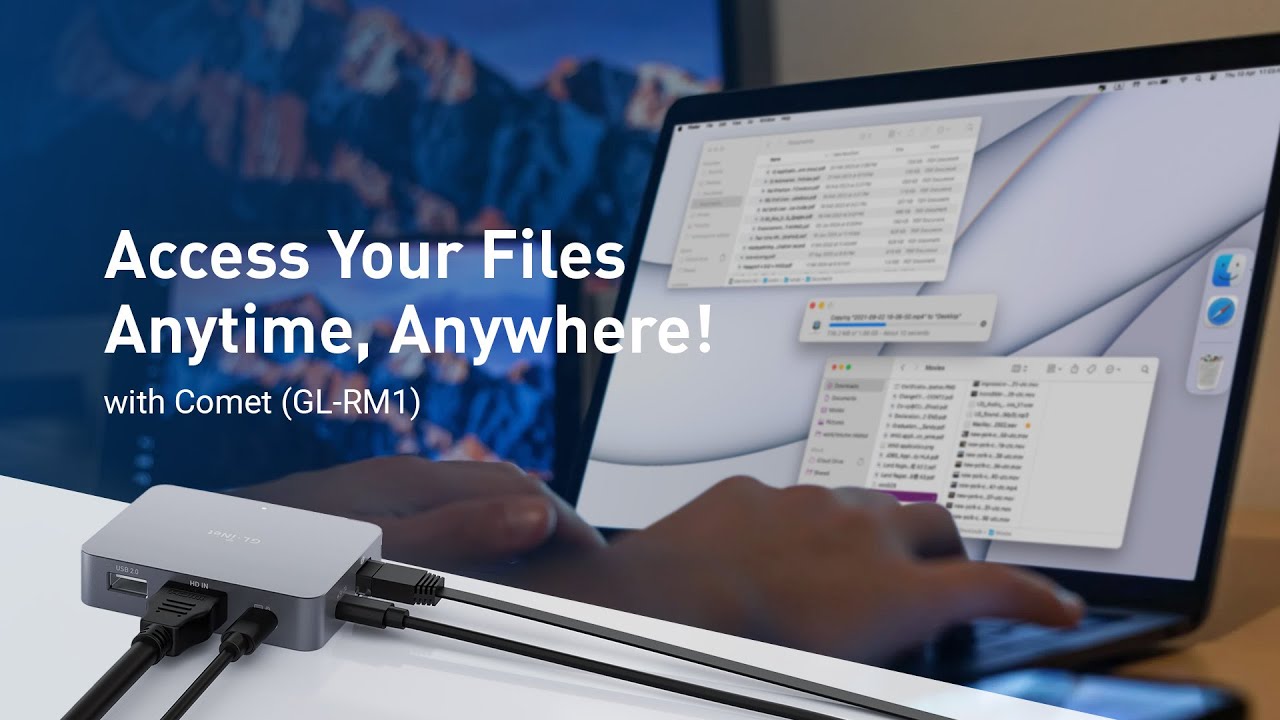
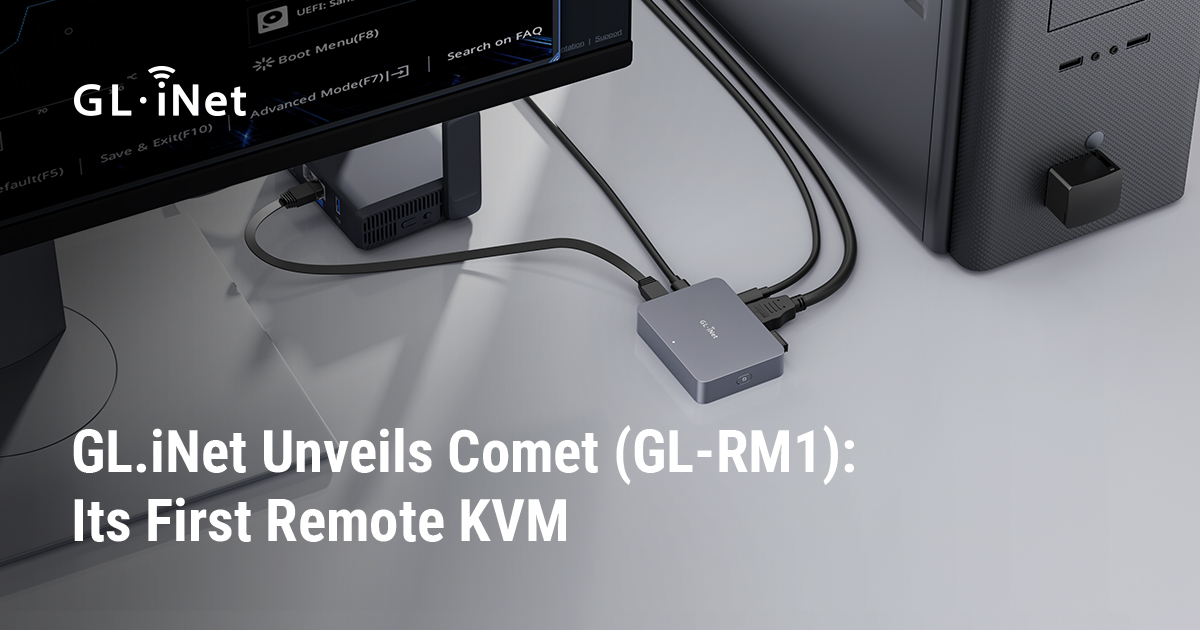
Remote access to computers. Simplified. With Comet (GL-RM1) Remote KVM over Internet

Budget-Friendly KVM Over IP at $79 - Is the GL.iNet Comet Worth It?

GL.iNet has entered the chat...

GL Inet Comet RM1 firmware upgrade
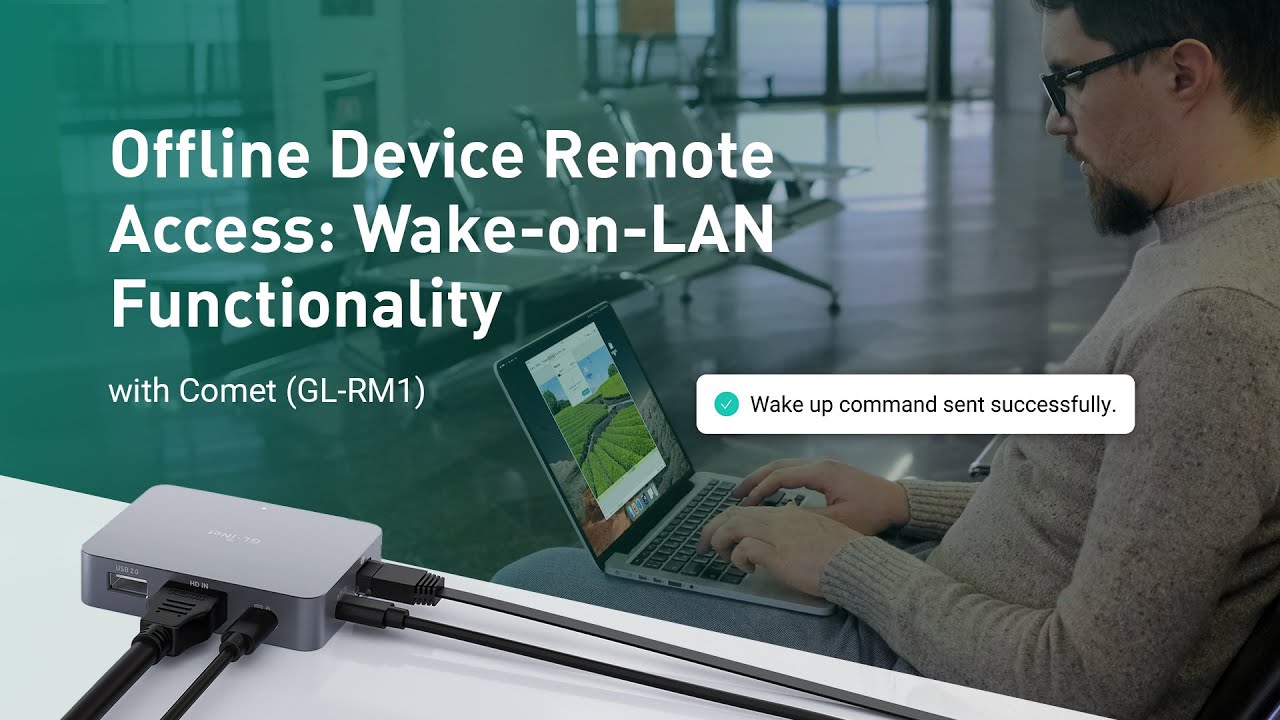
Wake on LAN with Comet (GL-RM1) | Remote KVM | 4K @ 30 fps

Portable Wi-Fi? Sign Me Up!

The RTX 5090 loses to a ROUTER!
What should I do if the mouse cursors fail to overlap?
How to Set EDID for GL.iNet KVM?
Why can't I control the mouse even if I have all the cables connected?
What should I do if no device is found in the GLKVM app?
Connection failed when remotely accessing via GLKVM app
Privacy error when accessing KVM locally via browser
What should I do if I cannot control the mouse?
What should I do if I cannot hear audio from the controlled device?
What should I do if I can only see desktop wallpaper when using GLKVM?
What should I do if it displays blank screen when using GLKVM?
My power cable is connected but the device is not powered
How to fix mouse latency on GLKVM when using Raspberry Pi4 to control Raspberry Pi3
Gain complete control with the ATX board: restart unresponsive systems, power on fully shut-down PCs, and ensure 24/7 availability. Installs directly into your motherboard and pairs with Comet via USB.
Where to purchase?
Fingerbot is a compact robotic arm that reliably presses the power button for systems that don’t support WOL or ATX. Ideal for legacy or enclosed PCs.
Where to purchase?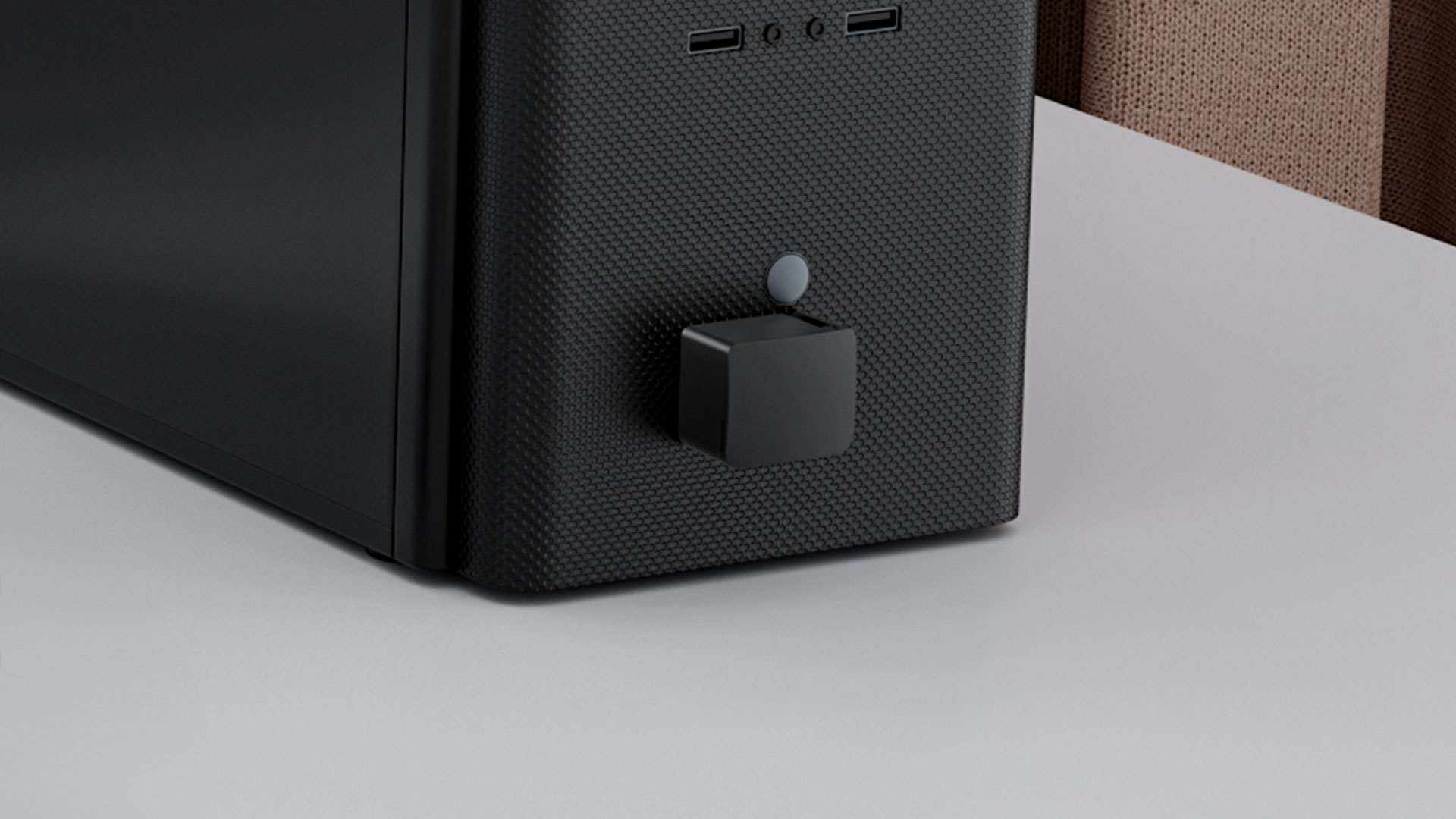
Click on the icons below to contact us!
{"one"=>"Select 2 or 3 items to compare", "other"=>"{{ count }} of 3 items selected"}